

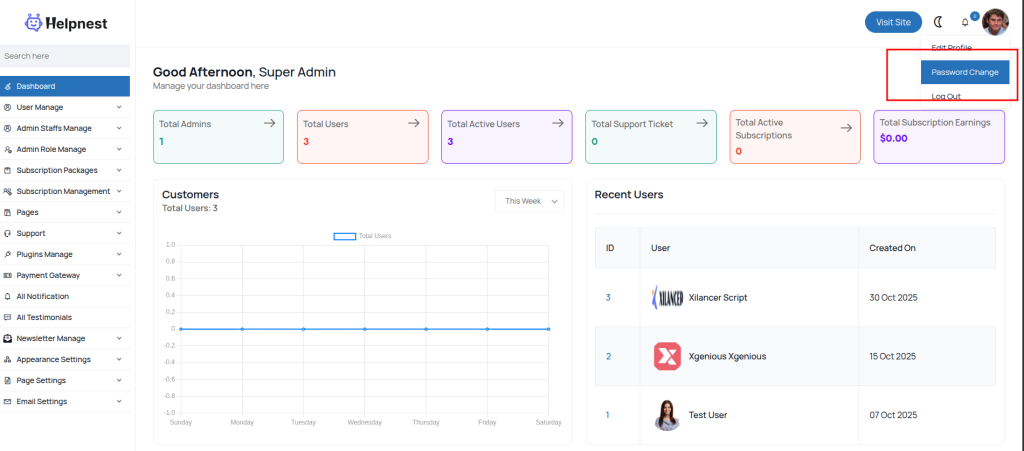
It’s very easy to edit your admin password. After logging in to the admin panel, check the top right corner for the change menu, as shown in the image below.
Now you can change your admin password as you want, you have to enter your old password to set a new password for your admin account. if you forget your current password, we suggest you to use forget password option from the login form.
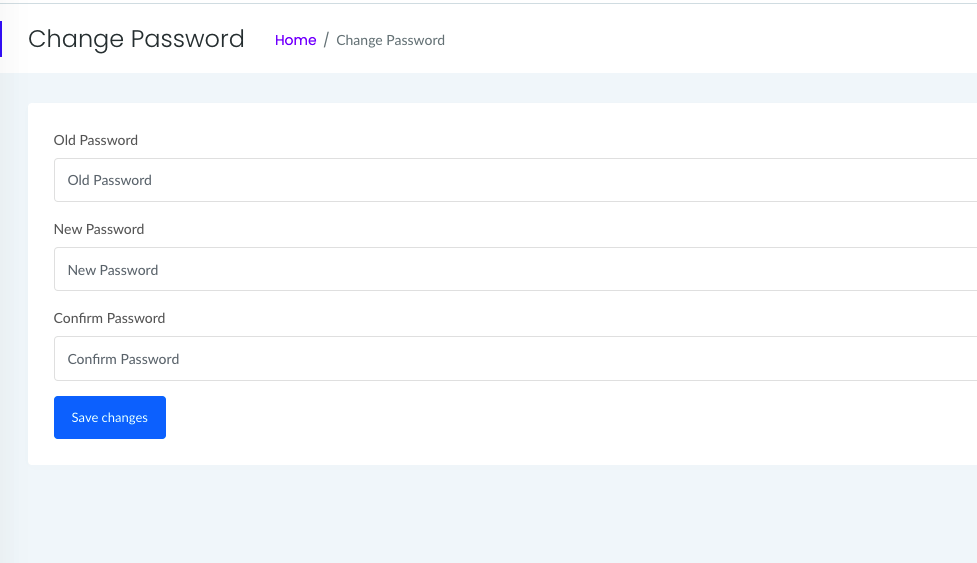
We recommend changing our default admin password.