

Project Module
Jump to: How to create a project ? · Project approve process
How to create a project ?
Step-1: Login as a freelancer
For create a project you must login as a freelancer first.
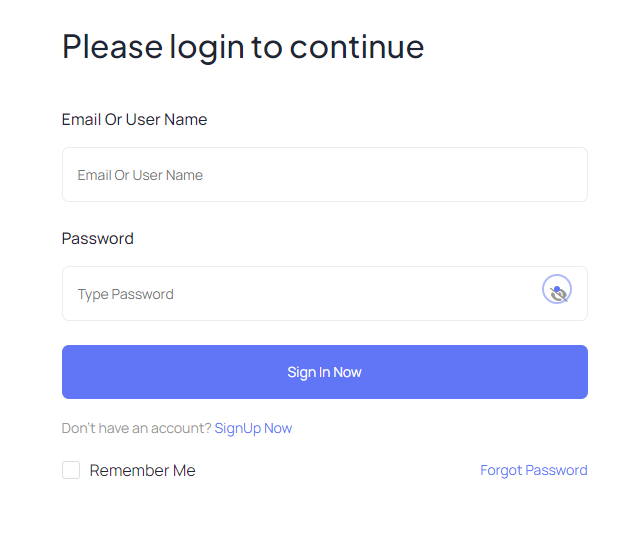 Screenshot
Step-2: Create Project
After login you will get two options to create a project one is profile settings page and another one is from profile photo quick access. Follow the bellow images to create a project properly.
First way
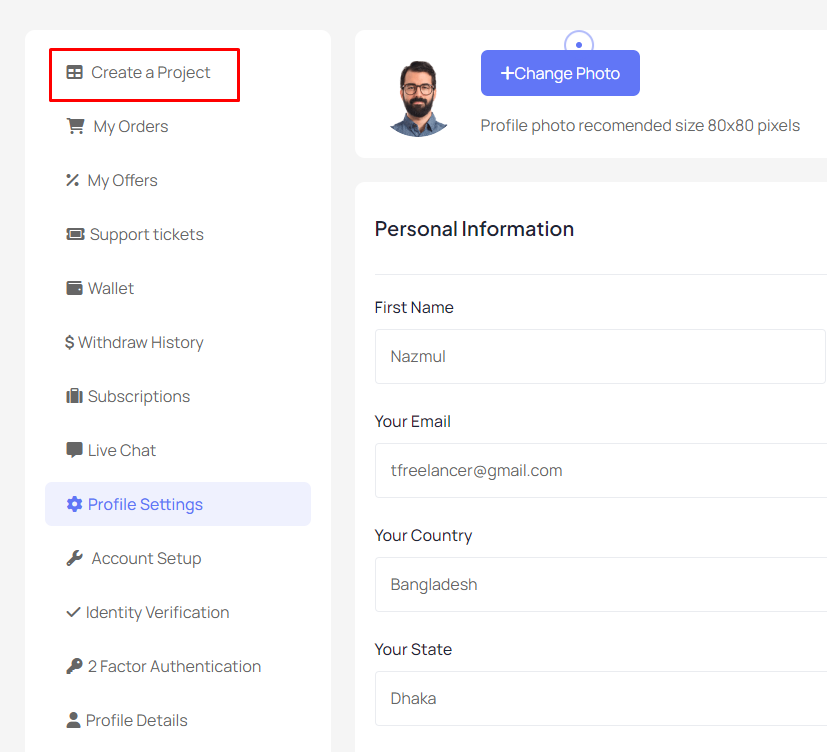 Screenshot
Second way
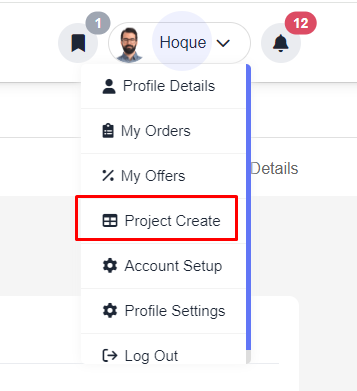 Screenshot
Input Project Data
You must complete each section to go next section otherwise get validation error.
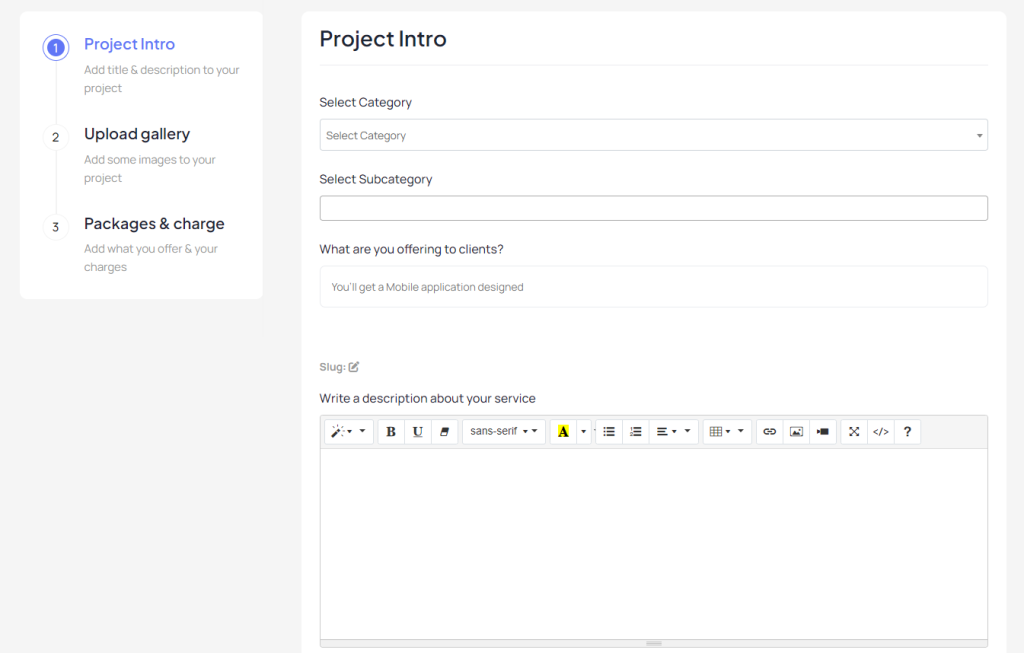 Screenshot
Project approve process
Once the project successfully created admin will get a notification as well as project approve request. Admin can approve or decline the project from action area.
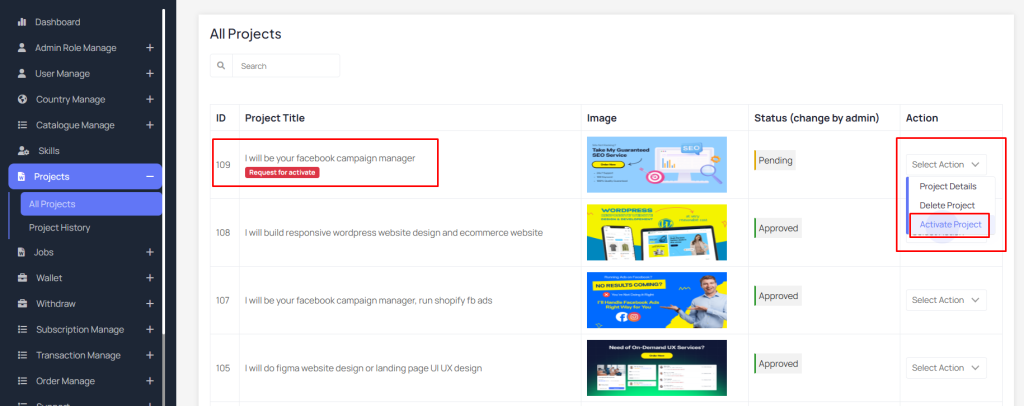 Screenshot
Still stuck?
Our support team is ready to help you get set up.