

User Dashboard
Jump to: Login · Register · Custom Domain · All Support Tickets · Edit Profile · Change Password
Login
It has user dashboard to manage user orders and profile info and can manage his all packages and websites
now enter user login details. username and password to login to user dashboard. if user did not have account they can easily create one from create new account link.
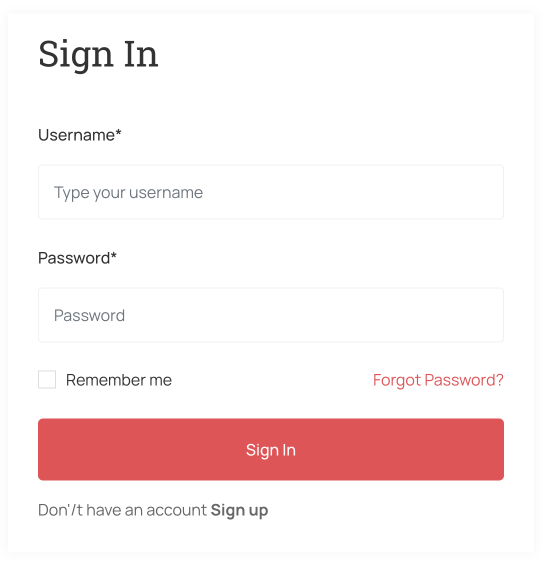 Screenshot
after login to website use will redirected to their dashboard.
Register
it has user dashboard to manage user purchase packages and profile info.
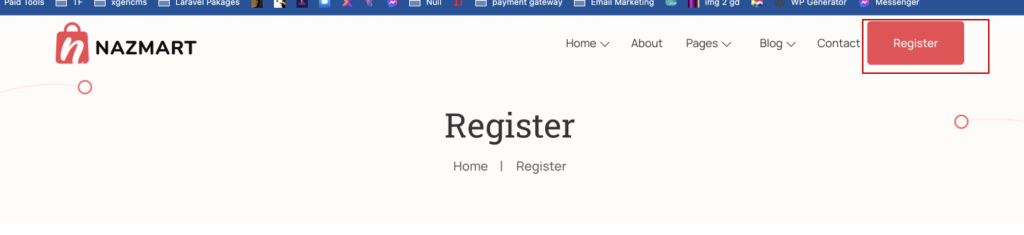 Screenshot
now enter user register details. if user have account they can easily login using Already have account? link.
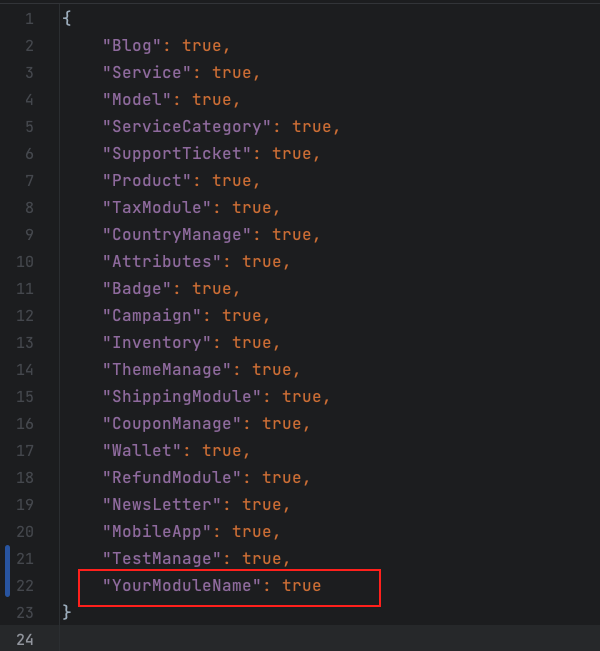 Screenshot
after register to website user will redirected to their dashboard.
Custom Domain
user request for custom domain support for their website info from user panel, navigate to custom domain from user panel side menu
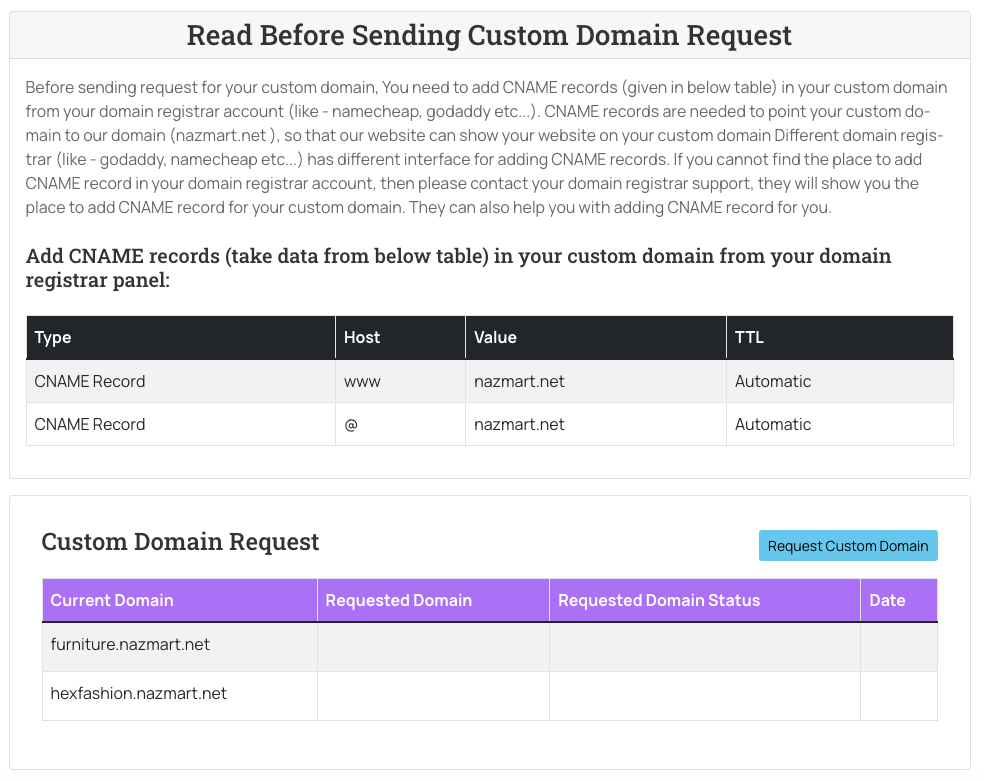 Screenshot
All Support Tickets
user can check their order packages from their user panel. go to “All Support Tickets “ form side menu
all support tickets Priority: user can change ticket priority from their user dashboard from priority dropdown
support ticket priority change Status: user can change ticket status from their user dashboard from status dropdown
support ticket status dropdown View: by click on eye icon, you will see all conversation, you can reply to admin response
support ticket message
Edit Profile
user change edit their profile info from user panel, navigate to edit profile from user panel side menu
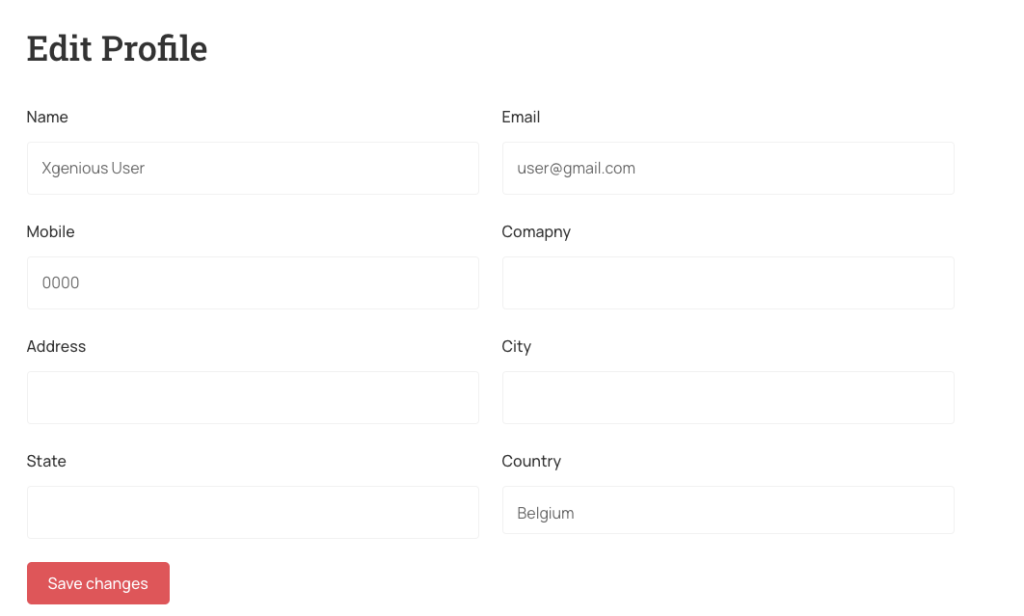 Screenshot
Change Password
user change password info from user panel, navigate to change password from user panel side menu
 Screenshot