

General Settings
Jump to: Reading Settings · Site Identity · Basic Settings · Social Login Settings · Licence Settings · Check Update · Cache settings · Database Upgrade
Reading Settings
Using these settings, you can select the home page under “General Settings > Reading Settings”.
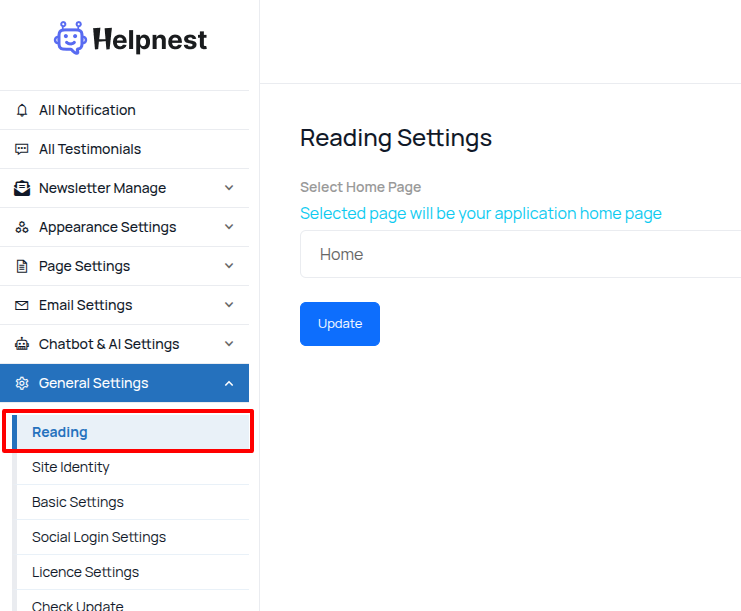 Screenshot
Site Identity
you can change your website logo you have to go to “General settings > site identity”.
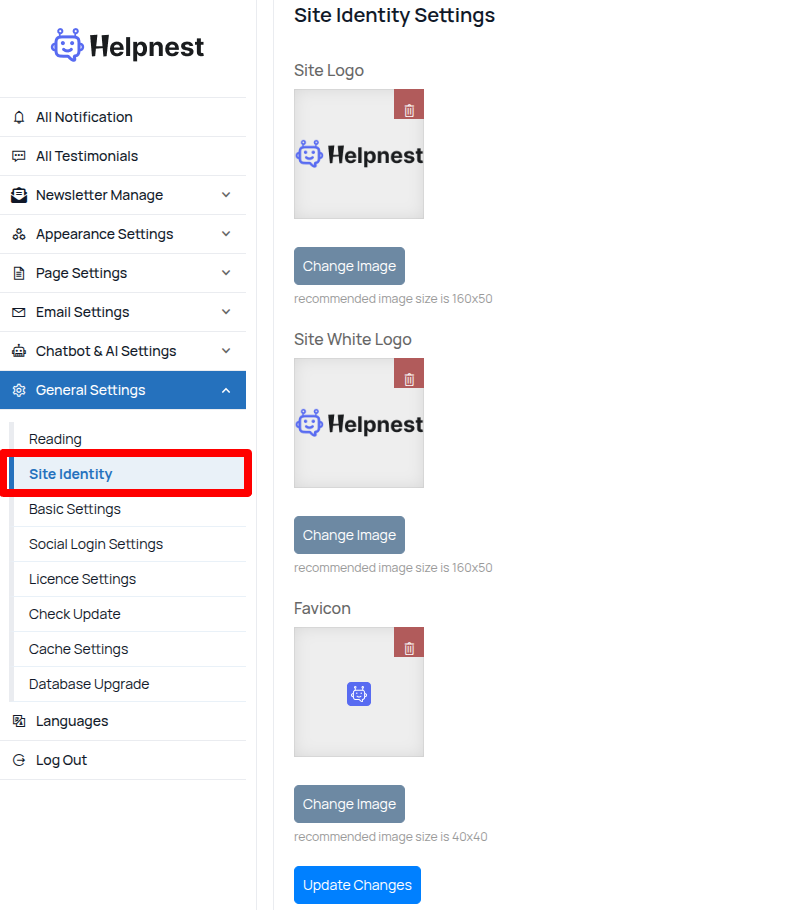 Screenshot
-
Site Logo: upload your own logo for the website
-
Favicon: upload your website favicon
Basic Settings
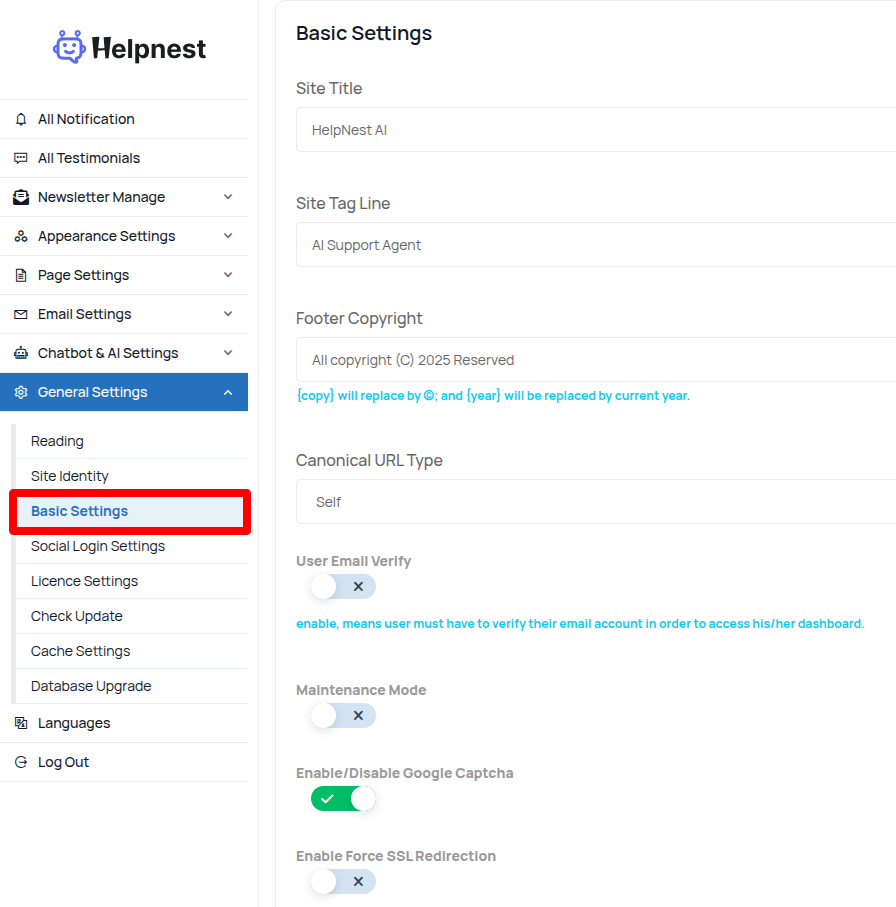
You can manage general site information from General Settings > Basic Settings.From here, you can update:
-
Site Title
-
Site Tagline
-
Footer Copyright
-
Maintenance Mode
-
Enable/Disable Google reCAPTCHA
-
Site Address
 Screenshot
-
Site Title: enter your website title, it is very important for your website seo
-
Site Tag Line: enter your tag line
-
Footer Copyright: footer copyright text, Will be replaced by © and will be replaced by the current year.
-
Dark Mode For Admin Dashboard: your can enable/disable admin panel dark mode
-
Disable User Email Verify: you can enable/disable user email verification.
Social Login Settings
You can configure the social login credentials for Facebook and Google in the “Social Login Settings” section under General Settings.
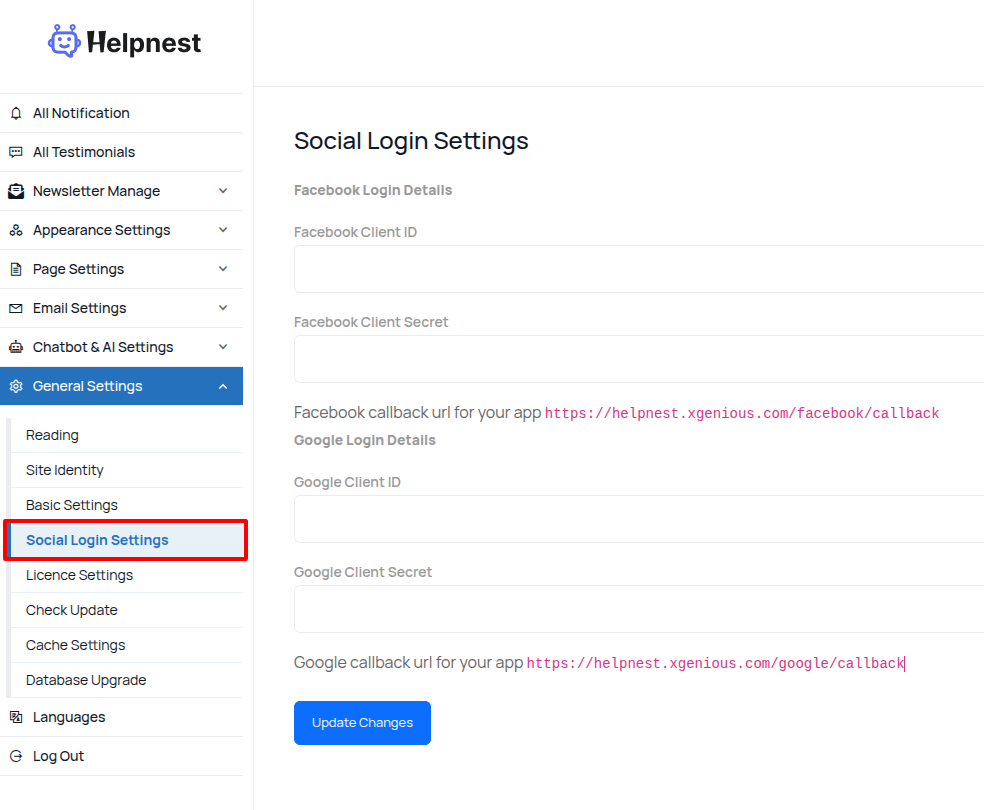 Screenshot
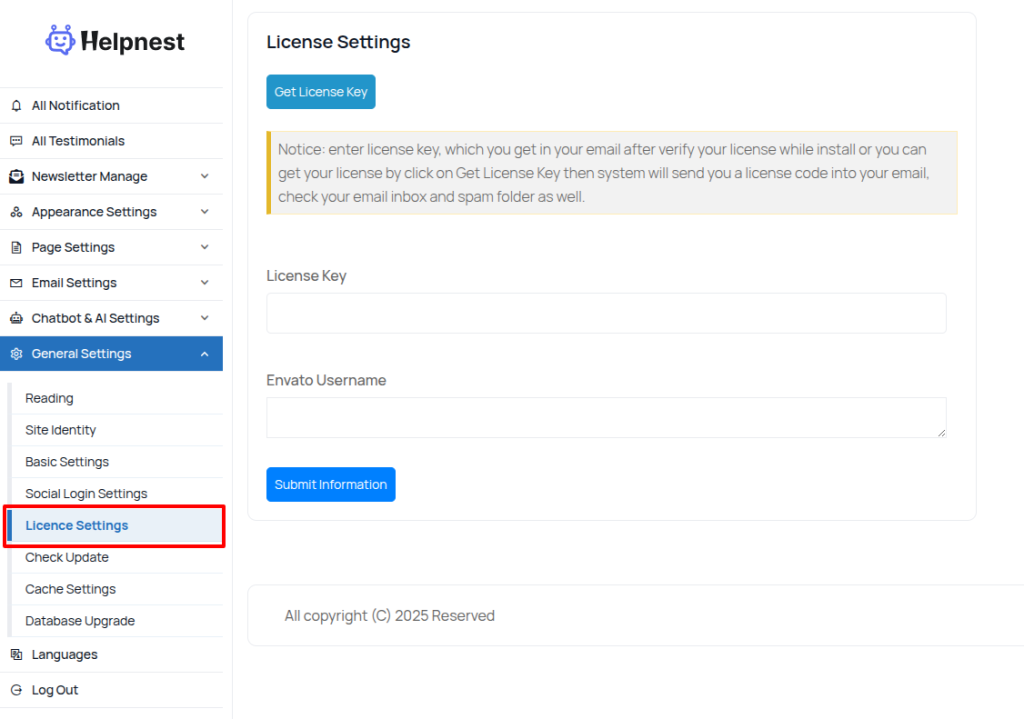
Licence Settings
this settings use your site check licence .“General settings > Licence Settings”
 Screenshot
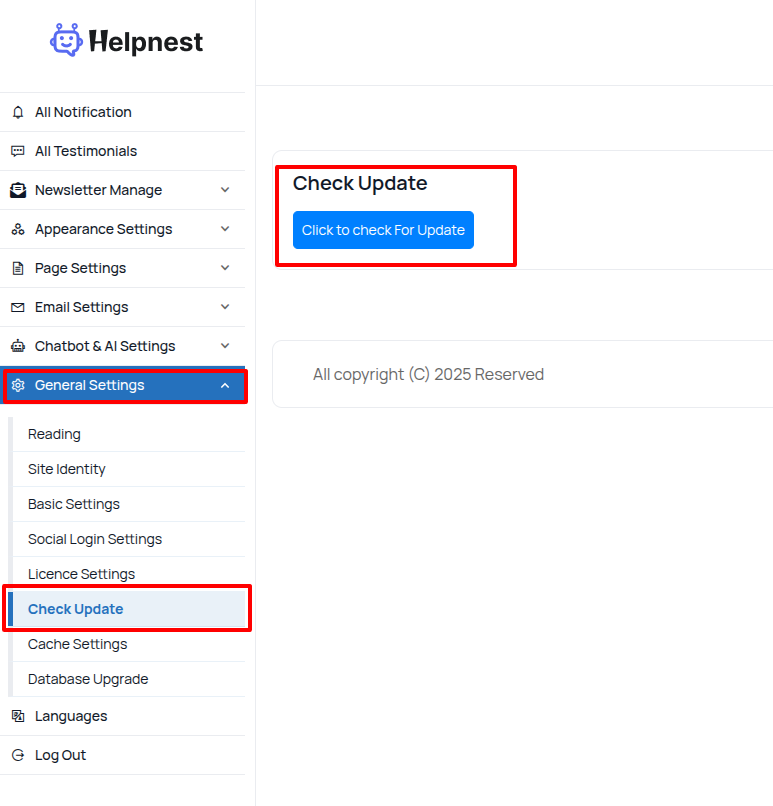
Check Update
To check if a newer version of the script is available, follow these steps:
-
Open General Settings
-
Select Check for Update
 Screenshot
Cache settings
sometime you need to clear your system cache, this cms comes with option to do it from admin panel. go to “General Settings > Cache Settings” .
cache settings
-
Clear View Cache: this will clear all of cache view.
-
Clear Route Cache: this will clear all of route cache of Laravel framework.
-
Clear Configure Cache: this will clear all of configure cache of Laravel framework
-
Clear Cache: this will clear all kind of cache in the Laravel framework
Database Upgrade
this settings use your site Database Upgrade.”. “General settings >Database Upgrade”
 Screenshot