

If you're uploading high-resolution images but they display at a reduced resolution, Hostinger's automatic image optimization may be the cause.
This guide explains how to disable these features to serve original, uncompressed images.
Step 1: Log in to Hostinger hPanel
-
Log in with your Hostinger account
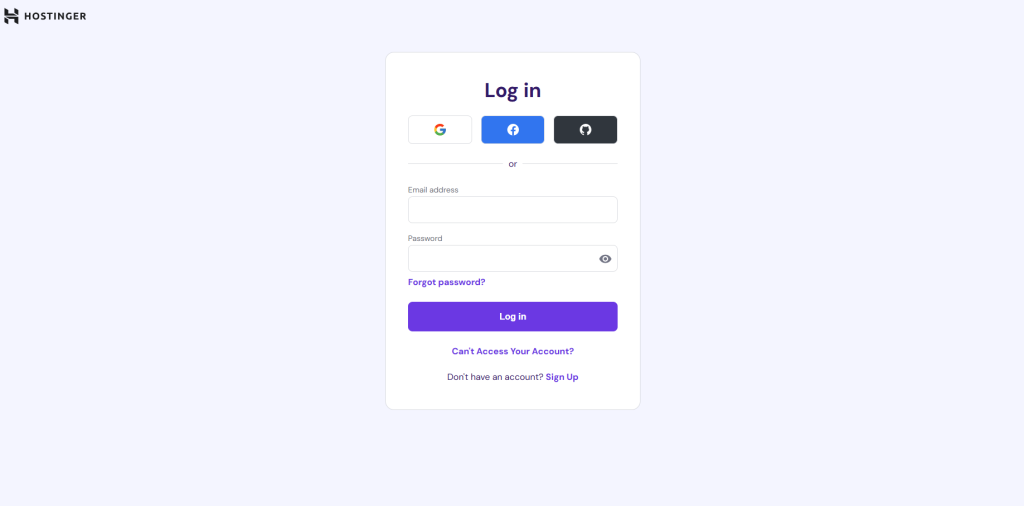 Screenshot
Step 2: Access Website Performance Settings
-
Select your website from the list
-
Find & Click on Performance
-
Open the CDN tab
-
Go to your Website & click Manage options
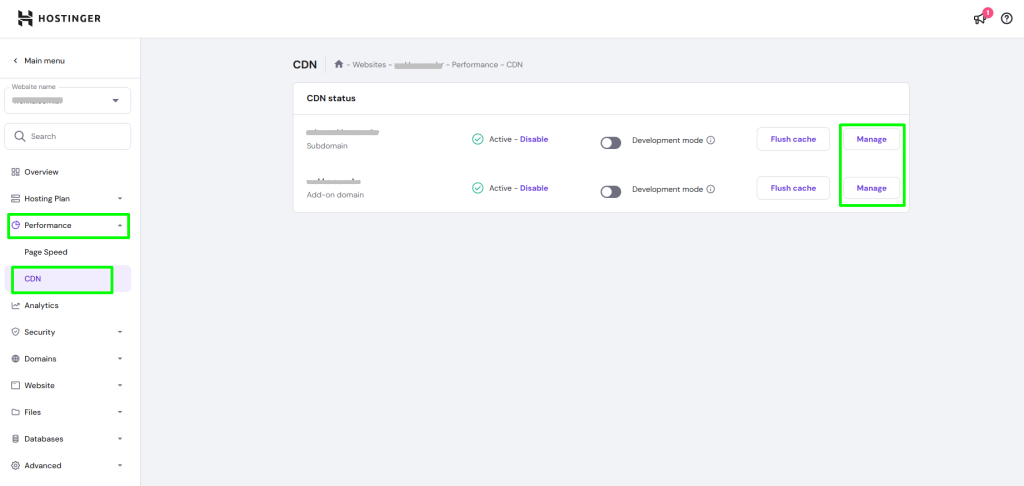 Screenshot
Step 3: Disable Optimization Features
Go to Website Optimization optionTurn off the following options:
-
WebP Image Compression
-
Smart Image Optimization
 Screenshot
Still stuck?
Our support team is ready to help you get set up.