

Facebook setup sign-in setup can only be setup after you released your app.
-
Go to Facebook Login for Android – Quickstart
-
Select an App or Create a New App
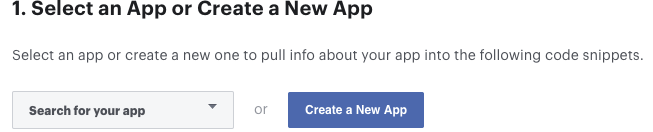 Screenshot
-
Skip the step 2 (Download the Facebook App)
-
Skip the step 3 (Integrate the Facebook SDK)
-
Skip the step 3 (Your Resources and Manifest)
-
Associate Your Package Name and Default Class with Your App
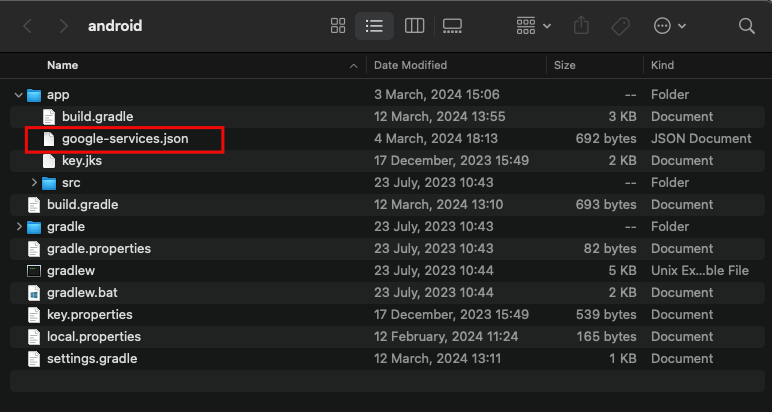 Screenshot
- Provide the Development and Release Key Hashes for Your App. Conver your app Sha-1 keys to bas64 String and add them here.
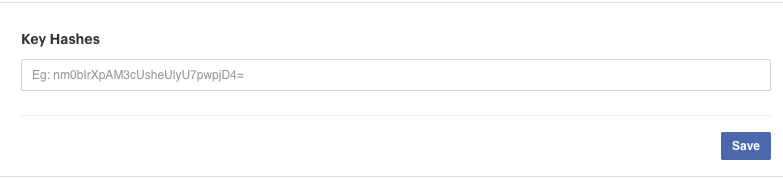 Screenshot
-
Skip the other steps as well.
-
Go to the basic settings of your app.
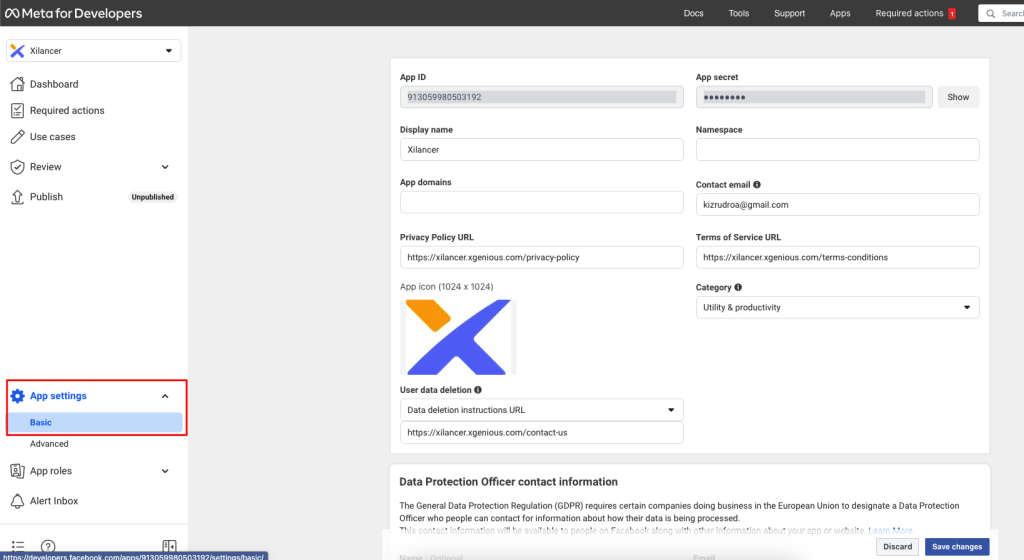 Screenshot
- Fill in the required infos. Copy the app Id and App secret. In your project, open this android/app/src/main/res/values/strings.xml file and replace the containing infos with your actual infos.
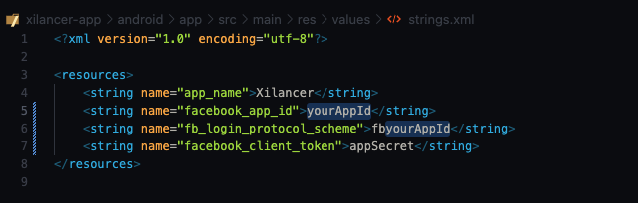 Screenshot
Still stuck?
Our support team is ready to help you get set up.