

Languages
Jump to: Add new languages · Clone new Languages · Add new string · Translate Words
Add new languages
this cms comes with multilingual support. it means you can use multiple language support to it. To add new language you have to go to admin panel “Languages>add new language”.
add new language
Clone new Languages
this cms comes with an awesome option like clone language, it will clone you selected language into a new language with a minimum data require for the website to run it. To clone a language to new language you have click on copy icon.
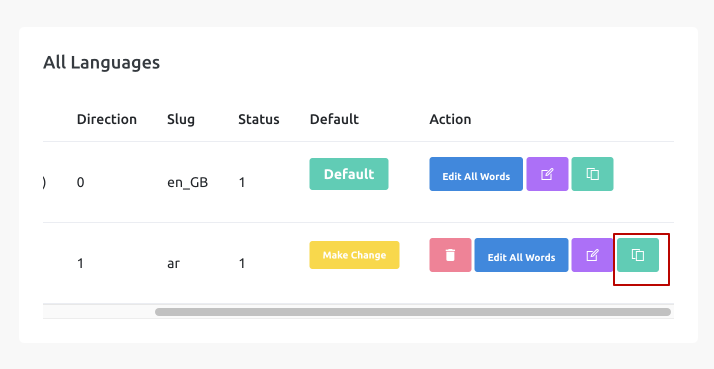 Screenshot
Clone language settings
you must have to select language name from dropdown, select direction and status of the language,
it recommended to keep your language in draft mode, until you fill all the data required for your newly added languages.
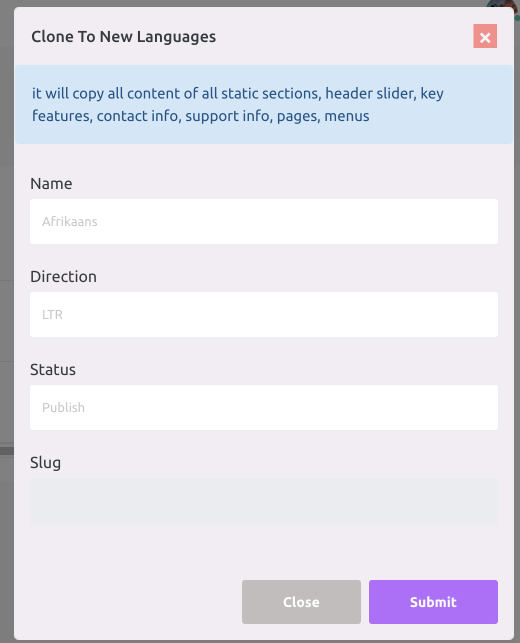 Screenshot
To work the multilingual feature properly you have put all the required data for your newly cloned languages.
like header, service ,works etc
Add new string
this cms has option to add missing translate string to admin panel words or frontend words.
Translate string add.
to add new translated string to admin or frontend word, click on add new string button
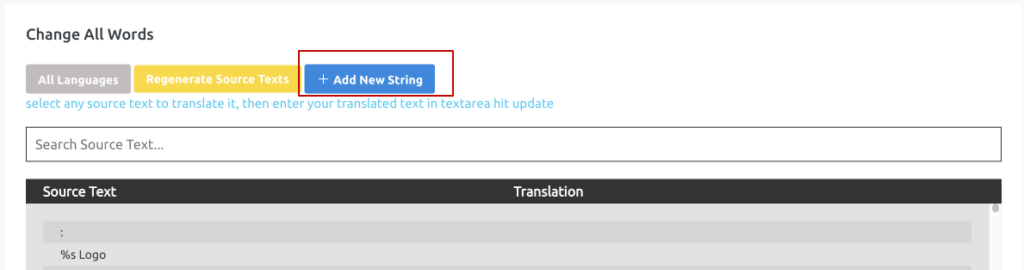 Screenshot
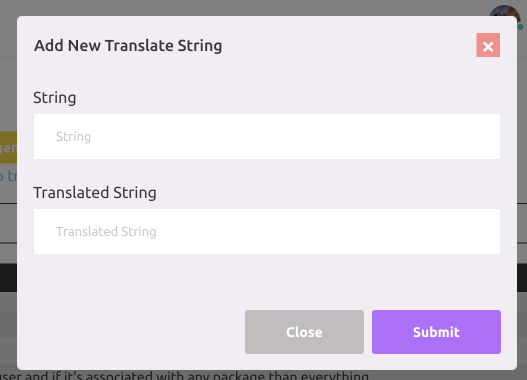 Screenshot
-
String: Add missing string
-
Translated String: add your translated string for missing string
Translate Words
you will get all words your need to translate for frontend, you can also add missing string by “add new string'.
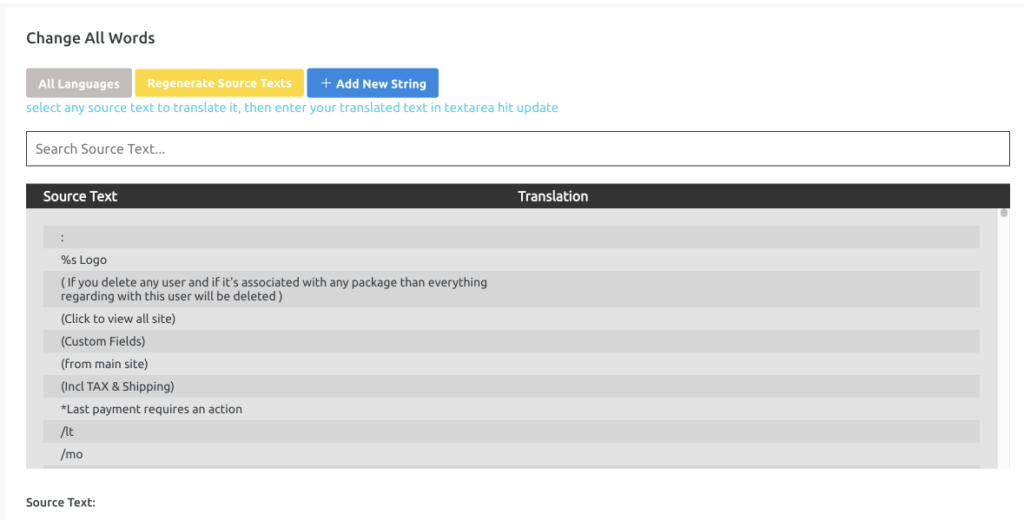 Screenshot