

if you want to use Payfast in Nexelit cms, At first you need to get your client id and client secrets , you have to setup your Payfast gateway settings. Go to “General settings>Payment Gateway Settings > Payfast settings”.
Go to Payfast.com login to your dashboard. Navigate to Account > Personal Information. you will see you Merchant ID and Key at right top.
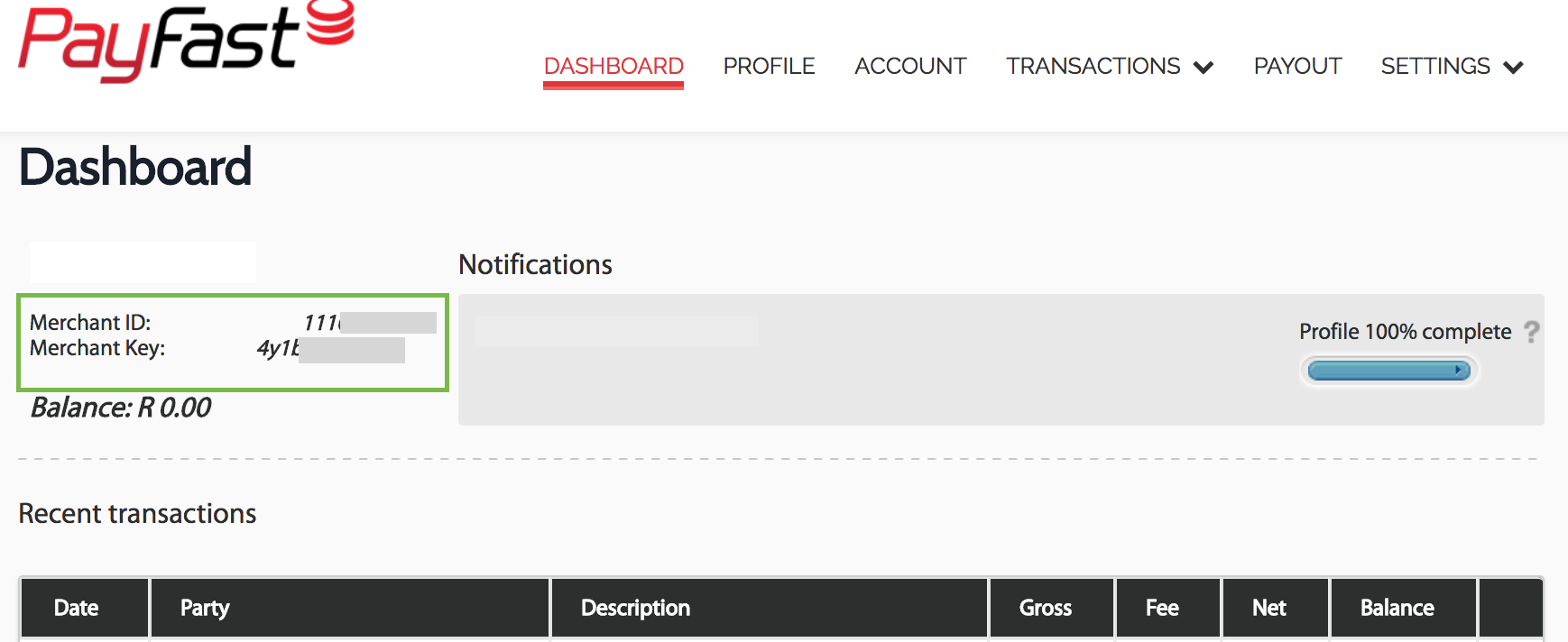
Legacy PayFast Dashboard
if you are using legacy payfast dashboard, you will find your Merchant id and key just after login to your dashboard
Still stuck?
Our support team is ready to help you get set up.