

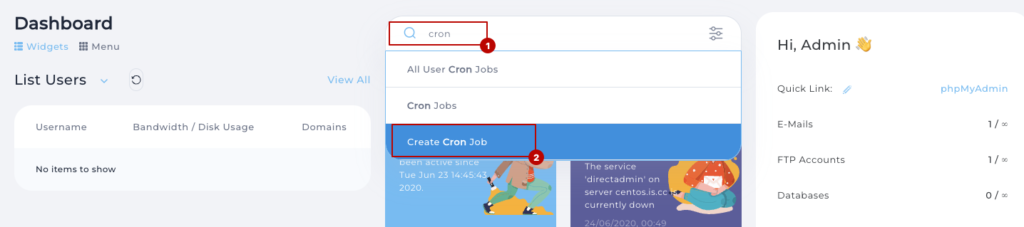
login to your direct admin panel, search cron in search area then click on Create Cron Job
 Screenshot
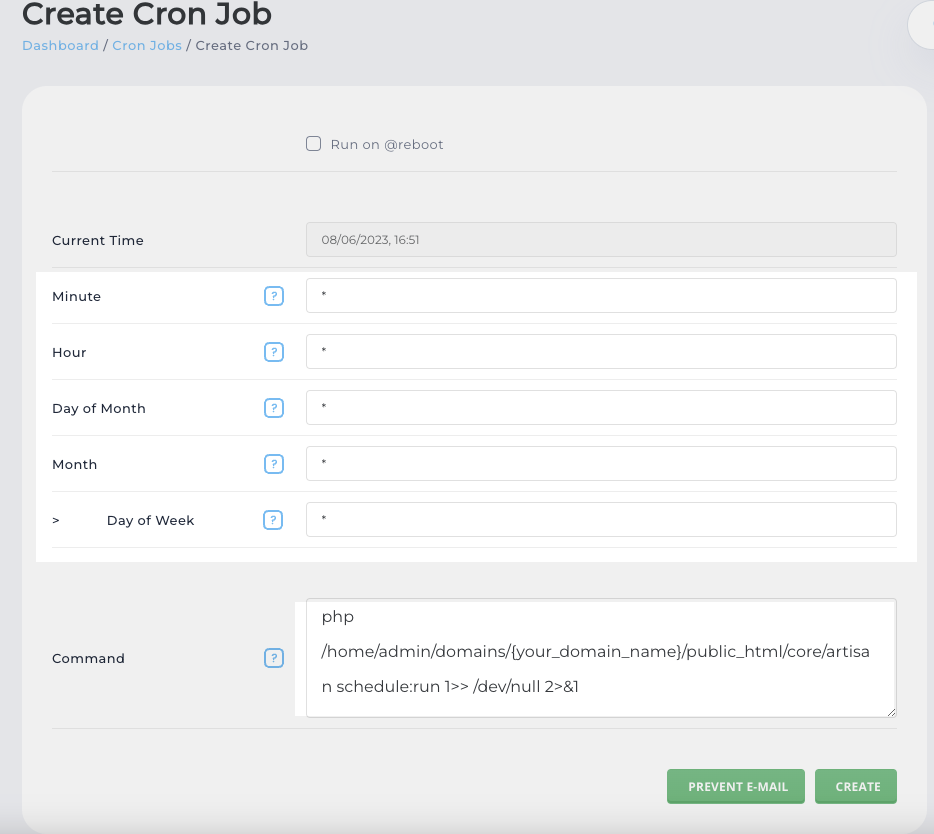
then follow the blow screenshot and configure it same as like this picture
 Screenshot
here is cron job command
php /home/admin/domains/{your_domain_name}/public_html/core/artisan schedule:run 1>> /dev/null 2>&1
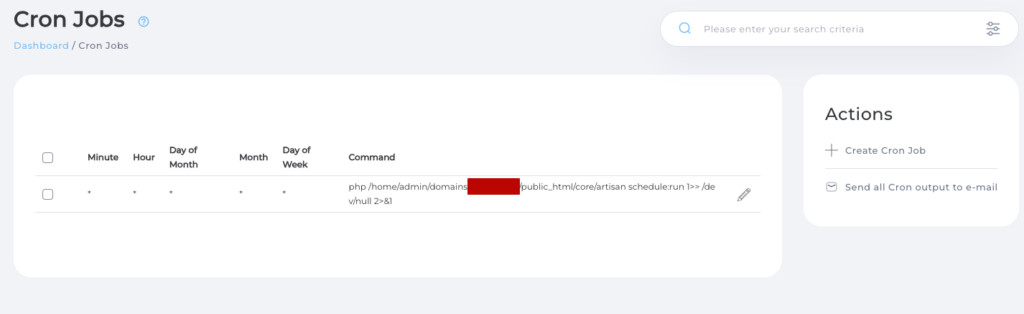
how click on create button. you will see list of your created cron in the corn list page
 Screenshot
that is all for configure cron job in direct admin panel…
Still stuck?
Our support team is ready to help you get set up.