

Step 01:
To get pusher api keys, you have to go to pusher.com
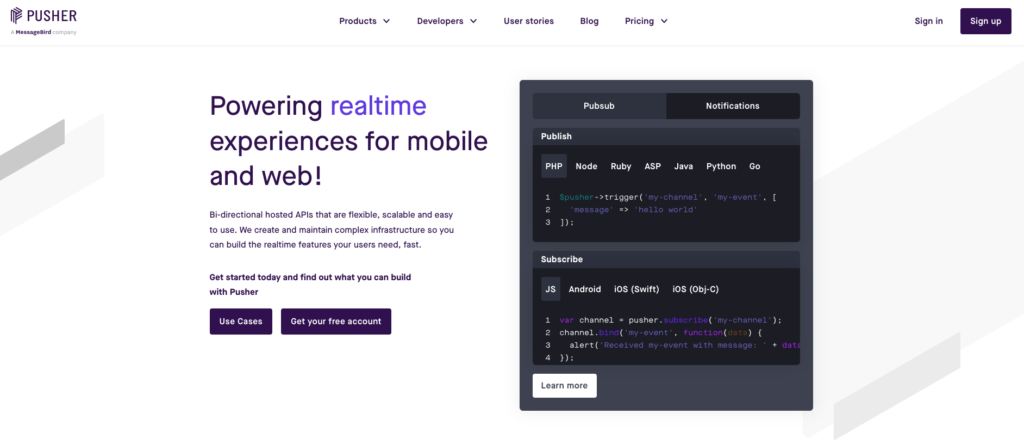 Screenshot
Step 02:
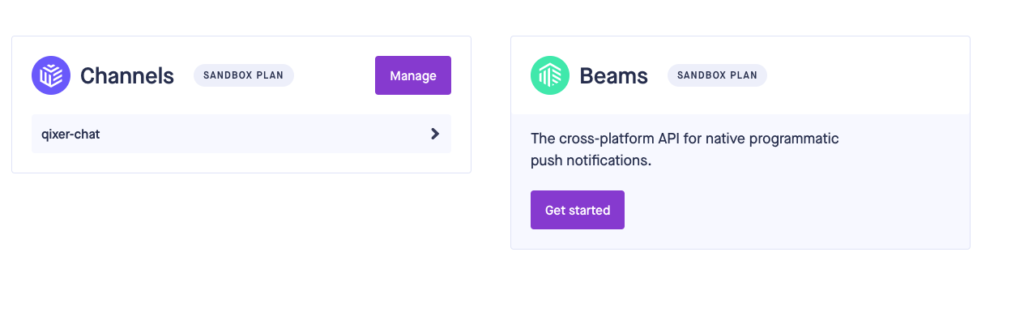
after signup/login you will see this screen, then click on manage button
 Screenshot
Step 03:
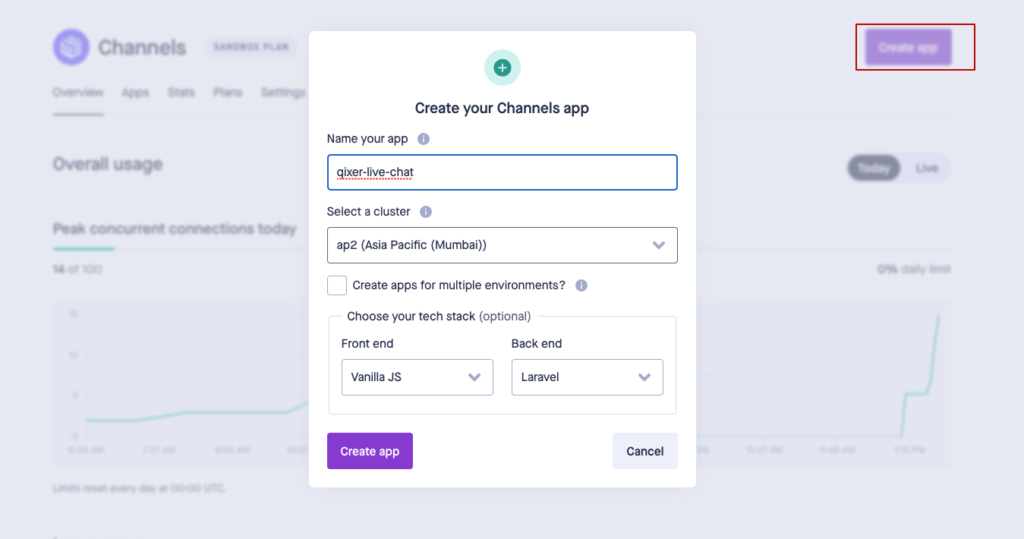
click on create app button and create a new app for your website, make sure you select stack as like below.
 Screenshot
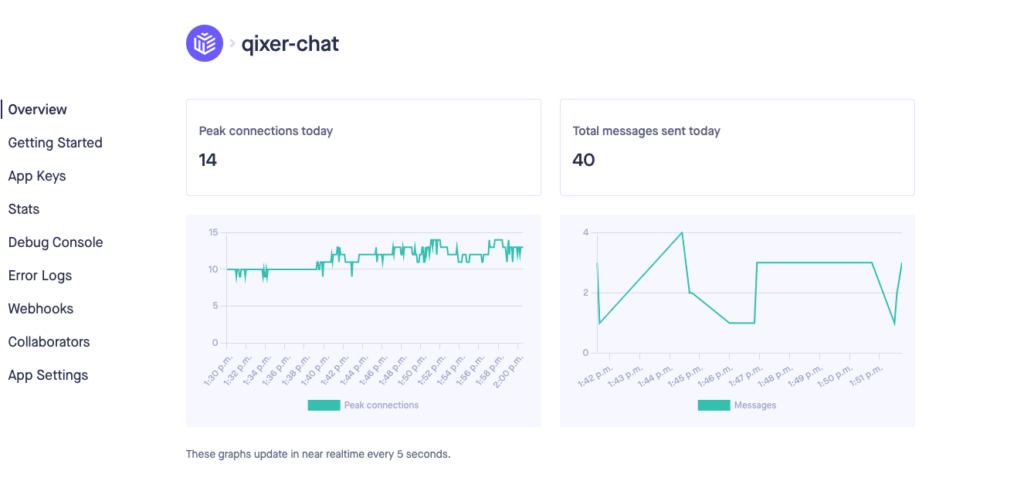
Step 04: after create app you will see below page, now click on App Keys to get app keys for your website
 Screenshot
Step 05:
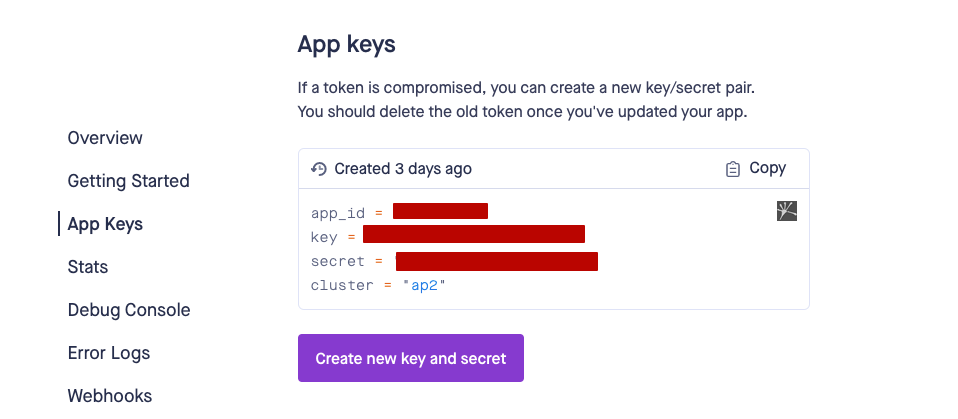
now you will see you app keys as like this screenshot
 Screenshot
Step 05:
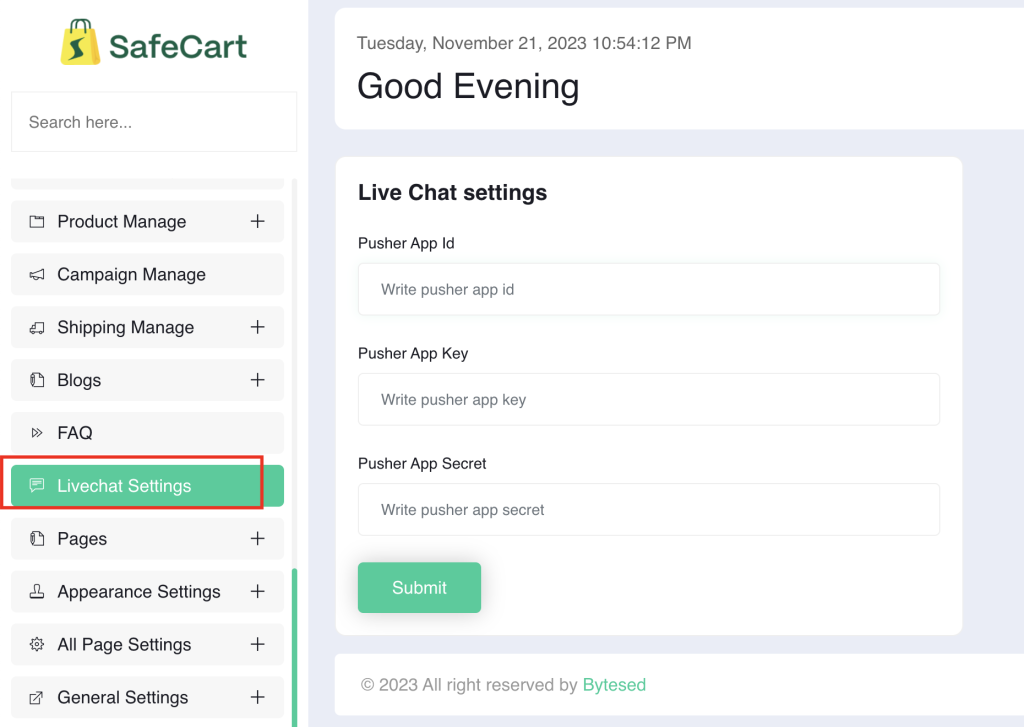
Go to your admin panel “General settings > Livechat Settings” now add your all api credentials.
 Screenshot
that's all for setup live chat addon
Still stuck?
Our support team is ready to help you get set up.