

Landlord
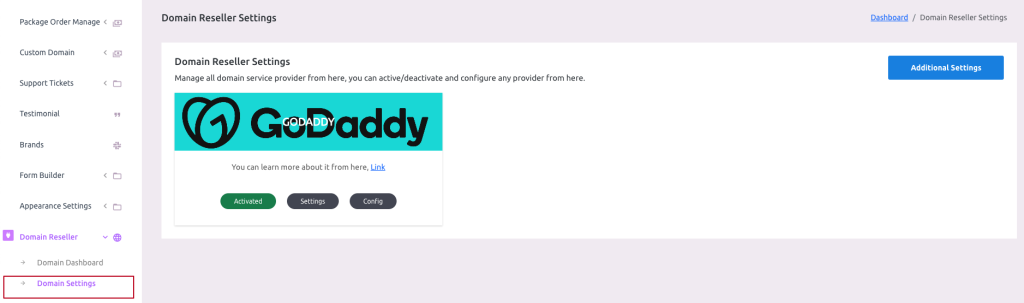
Landlord can only access the settings page. To open it go to Domain Reseller -> Domain Settings from the sidebar.
 Screenshot
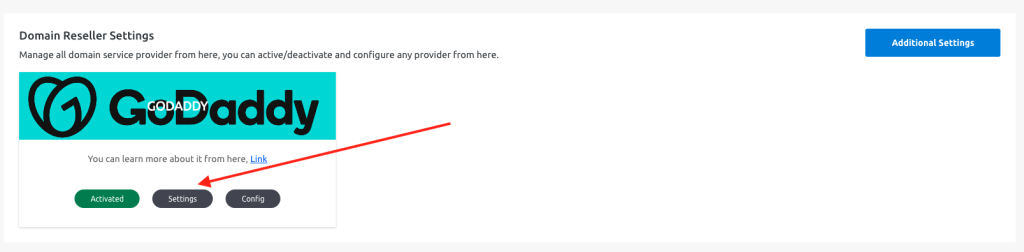
Here you will find the domain service providers. For now, there is only one provider “GoDaddy“. Click Settings to open the settings popup.
 Screenshot
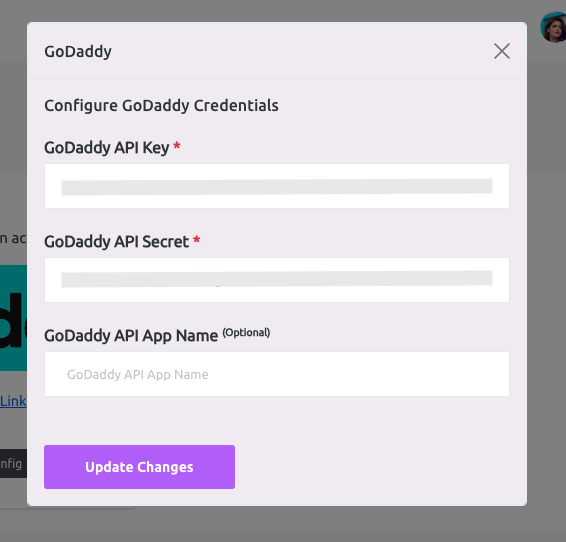
Put your reseller account's API Key and API Secret here to connect the plugin and hit update changes.
 Screenshot
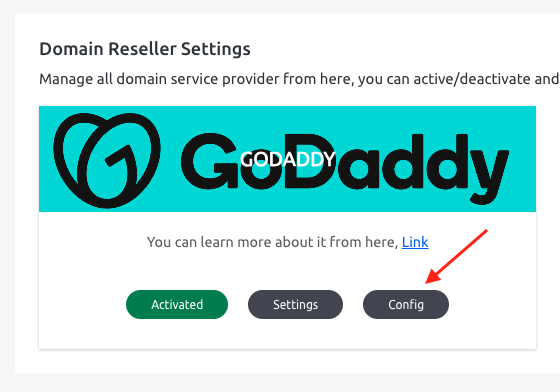
Click on the “Config” button to open the config popup
 Screenshot
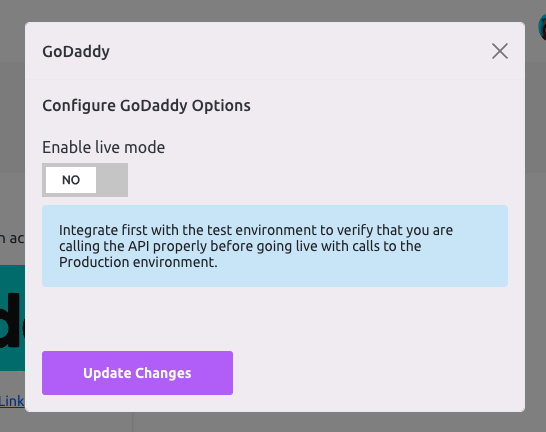
After clicking the “Config” button this popup will arise. Here you can set the plugin environment status, such as Live or Test Mode
 Screenshot
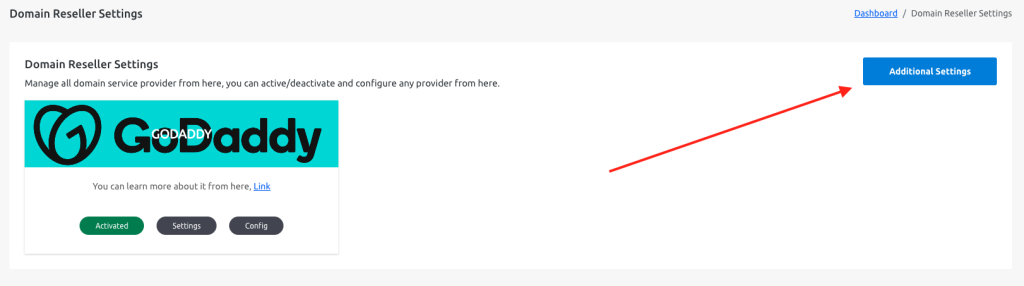
Click on “Additional Settings” for more additional settings options,
 Screenshot
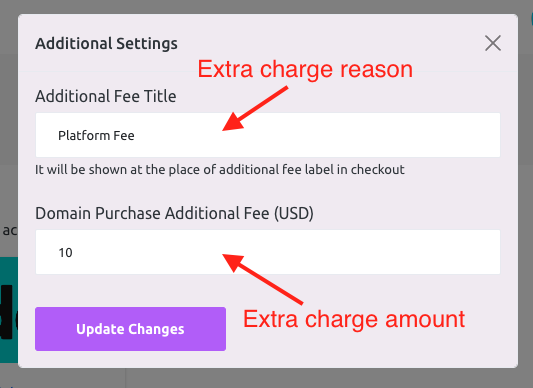
Here you can set an additional price for each purchase,
 Screenshot
Still stuck?
Our support team is ready to help you get set up.