

User Manage
Jump to: Add New User · All Users · Deactivates users · Identity Verify Requests · Trash List
Add New User
You can easily manage add new user from the admin panel under “User Manage -> Add New User”
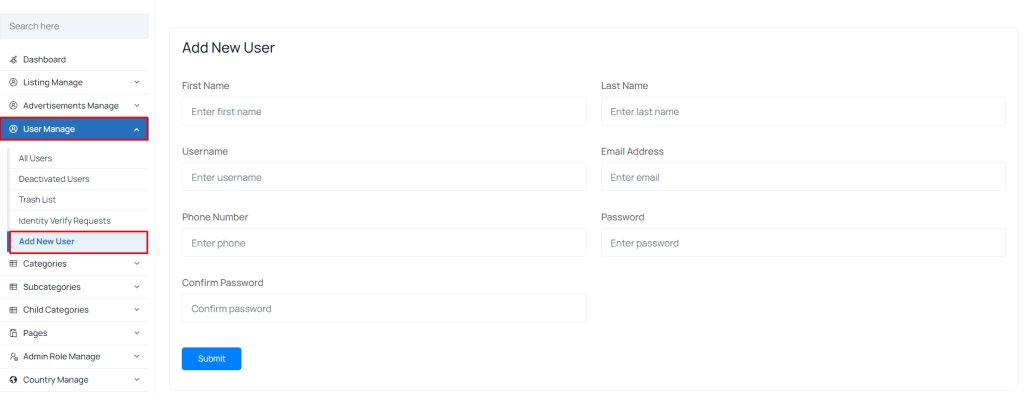 Screenshot
All Users
You can easily manage all users from the admin panel under “User Manage -> All Users”
admins can view user info, verify email, suspend, change password, delete, and deactivate user
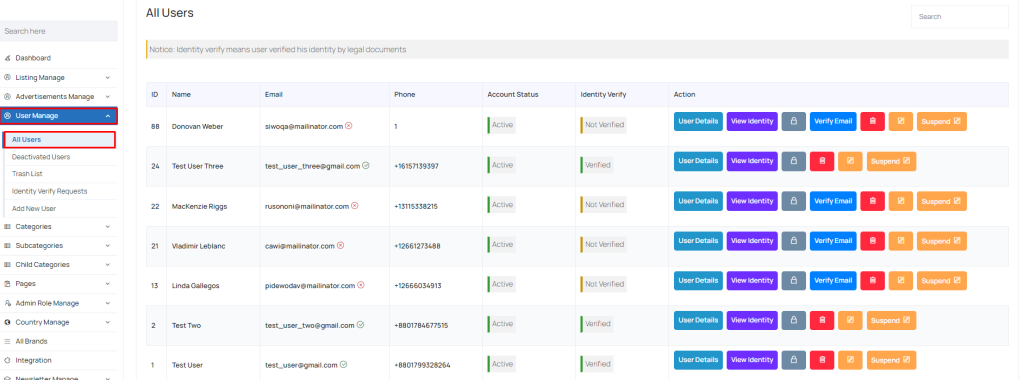 Screenshot
Deactivates users
You can easily manage deactivates users from the admin panel under “User Manage -> Deactivates users”
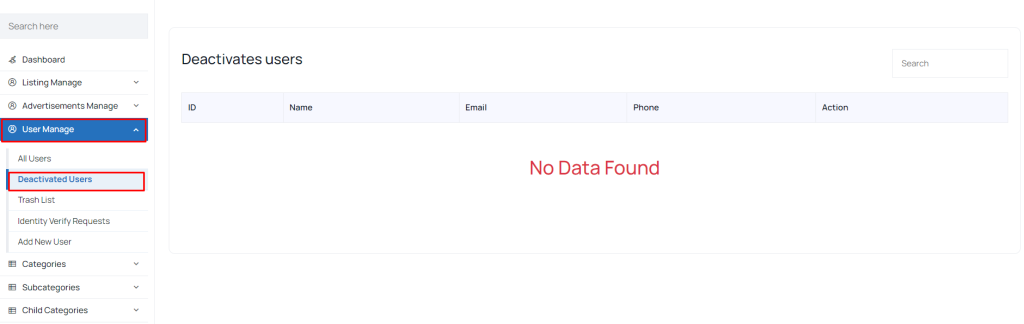 Screenshot
Identity Verify Requests
You can easily manage identity verify requests from the admin panel under “User Manage -> Identity Verify Requests”
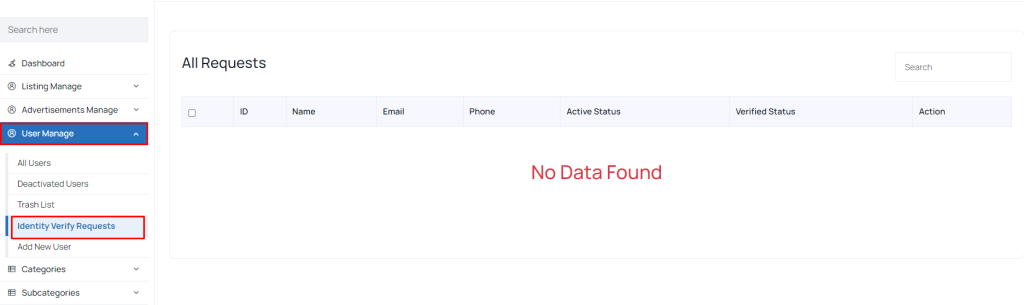 Screenshot
Trash List
You can easily manage Trash List from the admin panel under “User Manage -> Trash List”
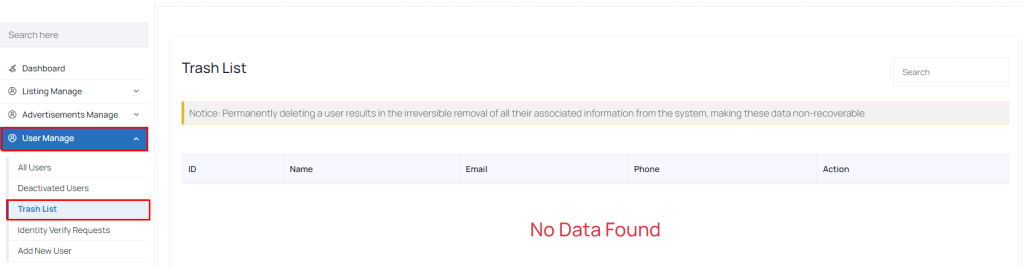 Screenshot
Still stuck?
Our support team is ready to help you get set up.