

Listing Manage
Jump to: Admin All Listings · All Guest Listings · All User Listings · Listing Reports · Report Reason
Admin All Listings
You can easily manage admin all listings from the admin panel, ”Listing Manage->Admin All listings .”
admins can create (Add New Listing), edit, and delete listings as needed.
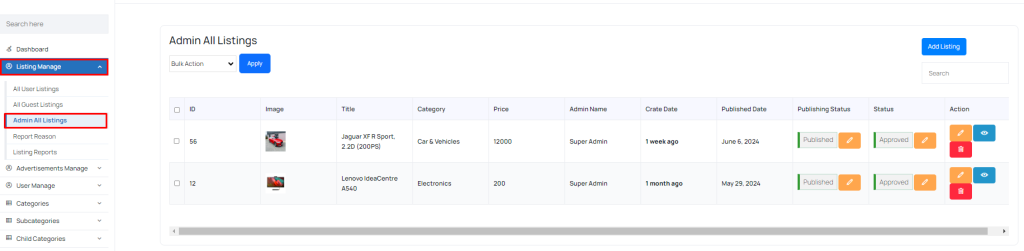 Screenshot
All Guest Listings
You can easily manage all guest listings from the admin panel, ”Listing Manage->All Guest listings .” Guests can only create listings; they do not have edit or delete options.
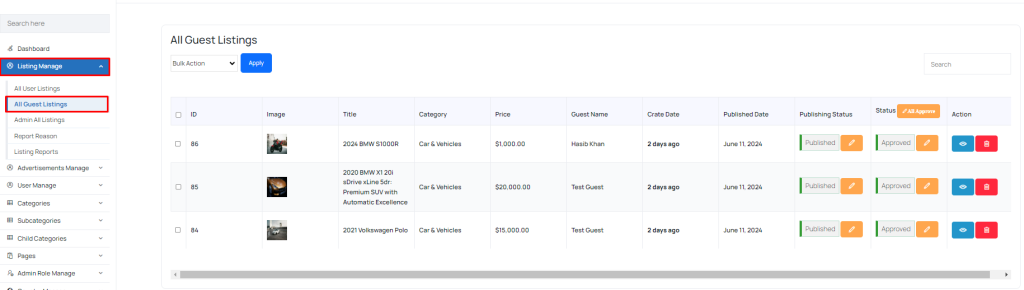 Screenshot
All User Listings
You can easily manage all user listings from the admin panel, ”Listing Manage->All User Listings.”
Admins can view listings, change their status, publish, and delete them as needed.
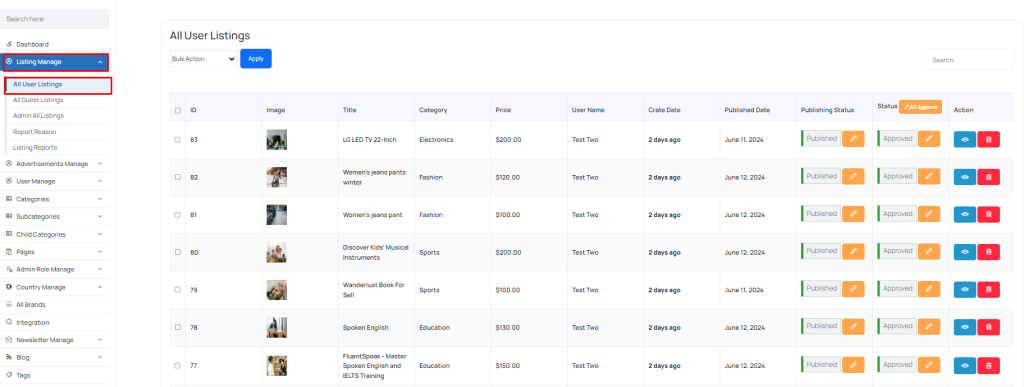 Screenshot
Listing Reports
You can easily manage listing reports from the admin panel, ”Listing Manage->Listing Reports.”
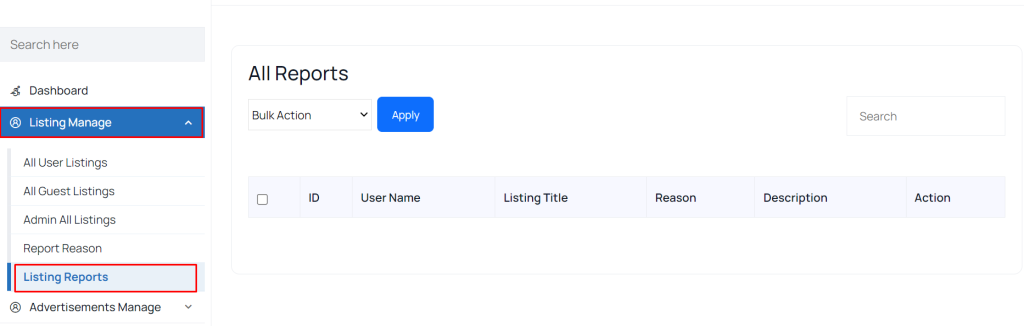 Screenshot
Report Reason
You can easily manage listing reasons (add, edit, delete) from the admin panel, ”Listing Manage->Listing Reason.”
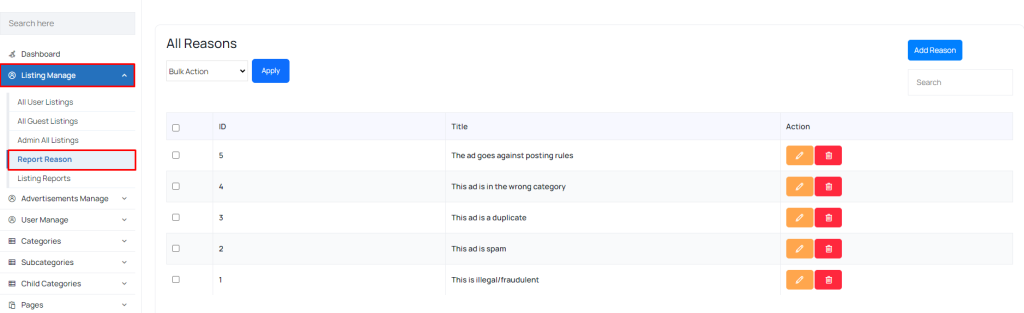 Screenshot