

Landlord Admin Panel
Jump to: Admin Login · Profile Settings · Password Change · How To Approve Accounts And Subscription Plans
Admin Login
You can access your admin dashboard by yourdomain.com/admin. then you will see option to login to admin panel
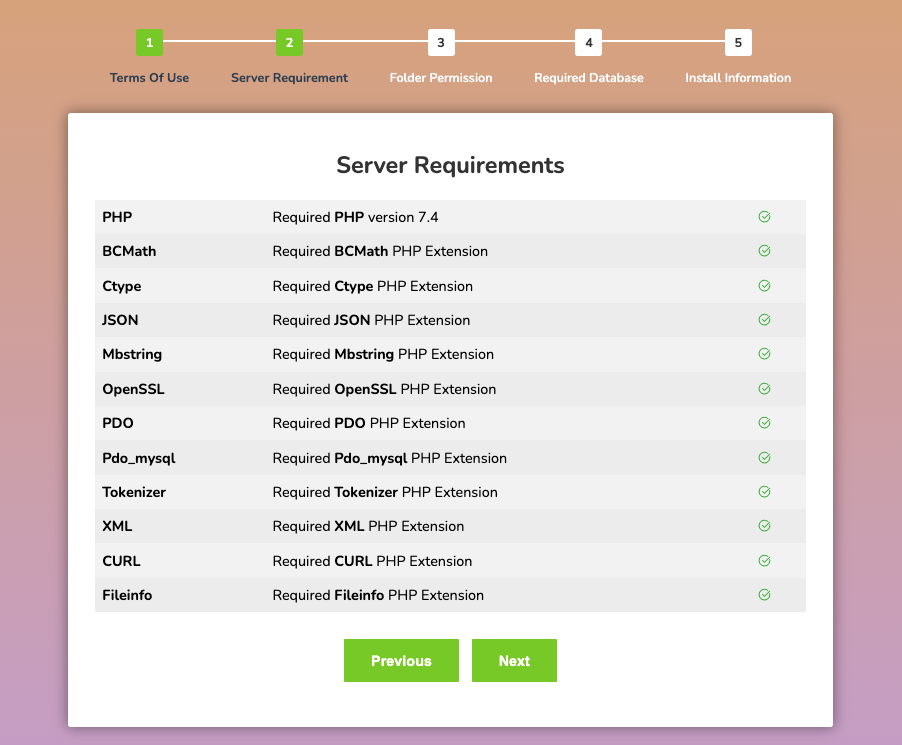 Screenshot
Here is default admin login details
-
Username: super_admin
-
Password: 12345678
Do not forget to change default admin password and username.
Note: if you have create admin account during installation then login using that credential instead of trying default admin details
Profile Settings
It's verify easy to edit your admin profile info, after login to admin panel check top right corner for edit profile menu, as like below image
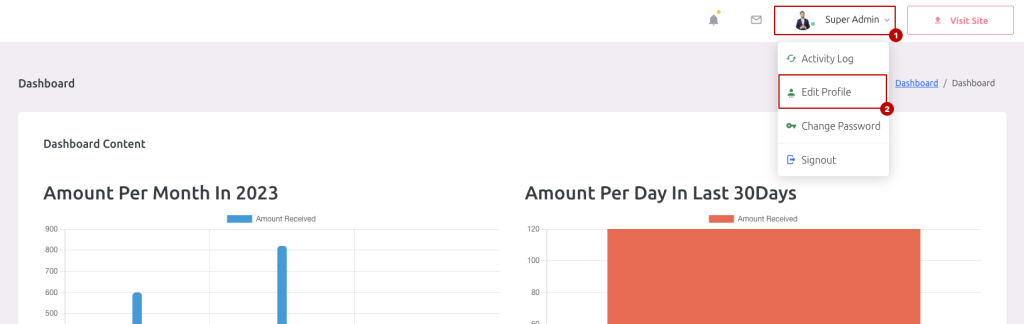 Screenshot
now you can change your profile info as you want
 Screenshot
we recommend to change our default admin user name and email address
Password Change
It's verify easy to edit your admin password, after login to admin panel check top right corner for change menu, as like below image
 Screenshot
now you can change your admin password as you want, you have to enter your old password in order add new password for your admin account. if you forget your current password, we suggest you to use forget password option from login form.
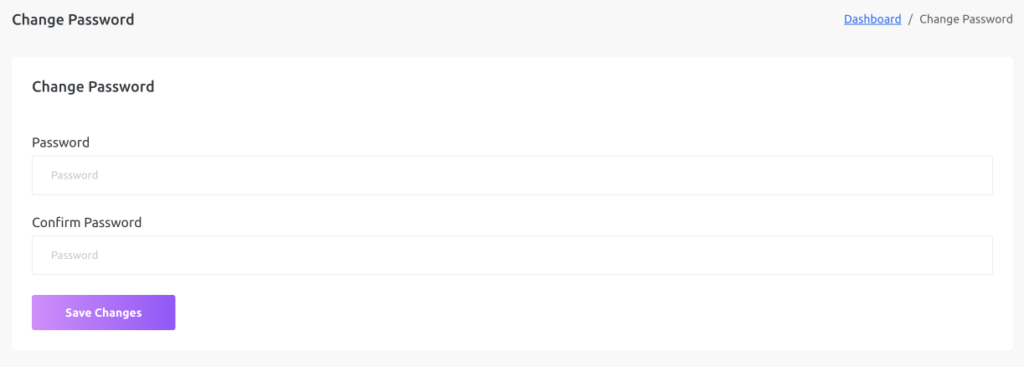 Screenshot
we recommend to change our default admin password.