

Order Manage
Jump to: Is order auto complete system available ? · Order manage by admin · Order manage by client · Order manage by freelancer · How milestone system work?
Is order auto complete system available ?
Yes available. Admin can set order auto complete days. For example if admin set 7 days , and freelancer submit an order after 7 days order status will change to complete if client don't do any action within 7 days.
Order manage by admin
What can admin do ?
-
Admin can update manual payment status from pending to complete.
-
Admin can hold an order.
-
Admin can check order chat between client and freelancer of an order.
-
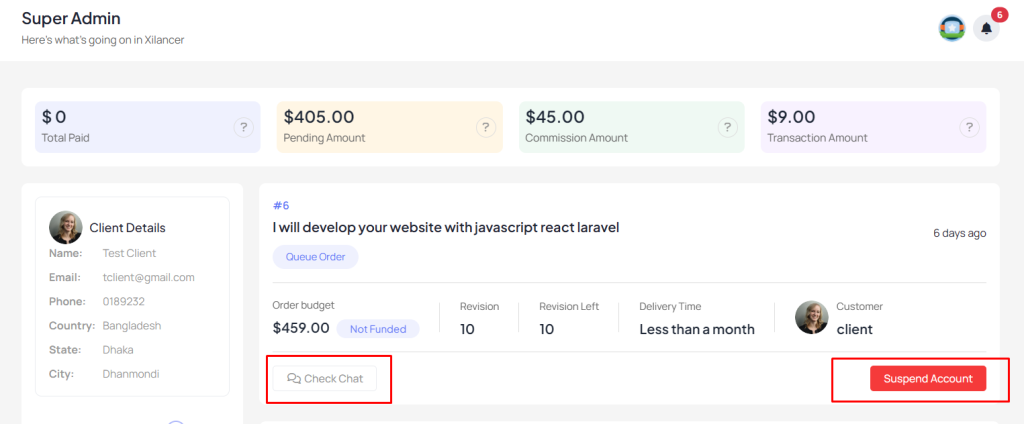
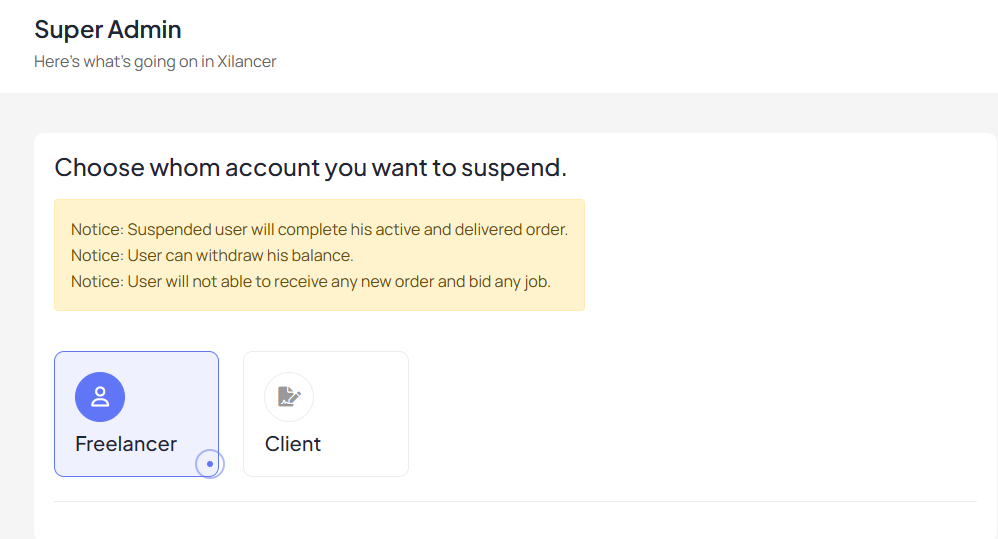
Admin can suspend both freelancer and client from order details page.
 Screenshot
 Screenshot
Order manage by client
How to create order from project ?
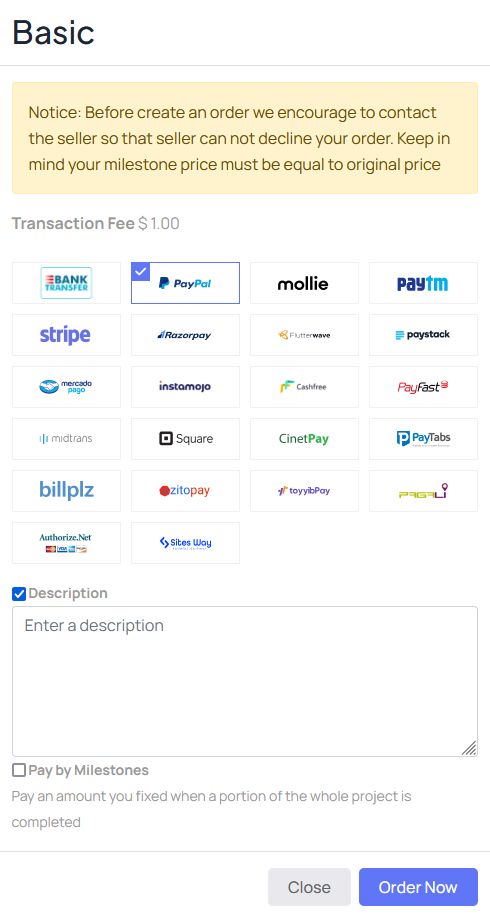
For create a order user must login as a client. After login he/she can place an order using the available payment gateways also wallet balance. Client can create an order based on project type like basic standard and premium. Client can also create milestones while place an order. Once the order have been placed successfully freelancer must accept that order to start the project. If freelancer reject the order, the order amount will deposit to client wallet and client can also use his wallet balance to create new order.
 Screenshot
How freelancer get order amount ?
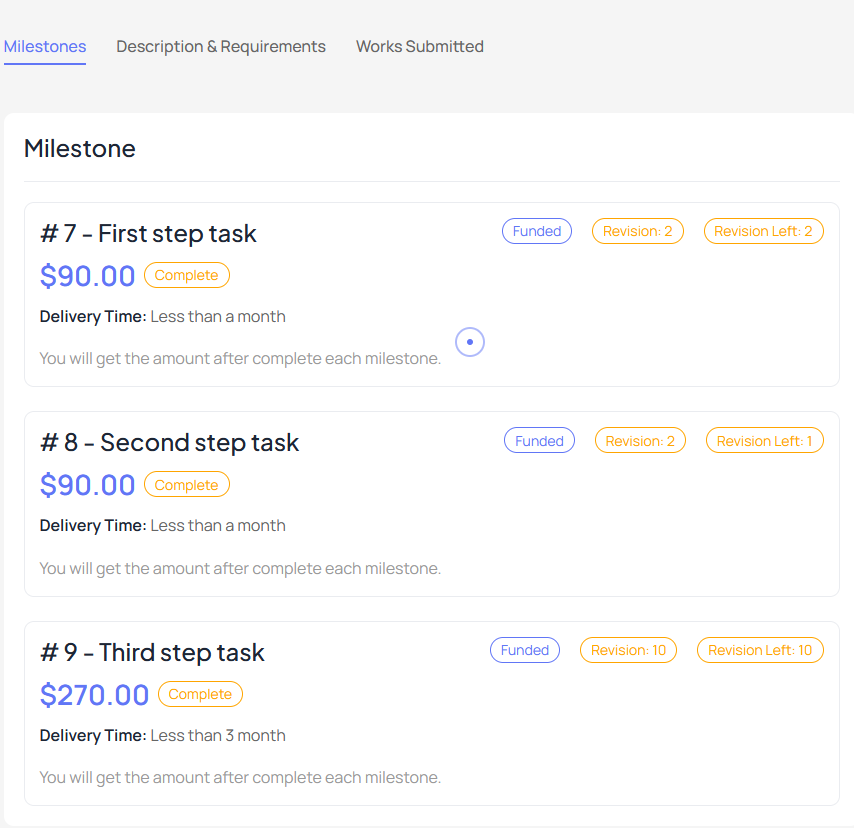
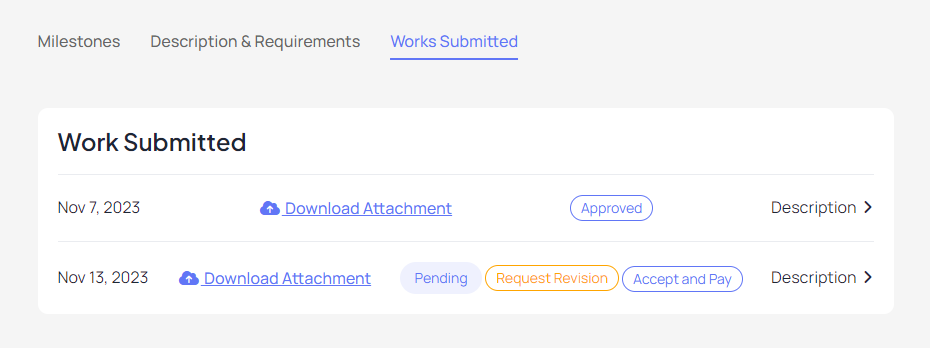
After complete the order freelancer must submit the order to client. Client will review the order. Here he/she can ask for further modification according to his revision limit or accept the order. Freelancer will get the order amount only client accept and complete order status complete.
 Screenshot
 Screenshot
How to create order from job?
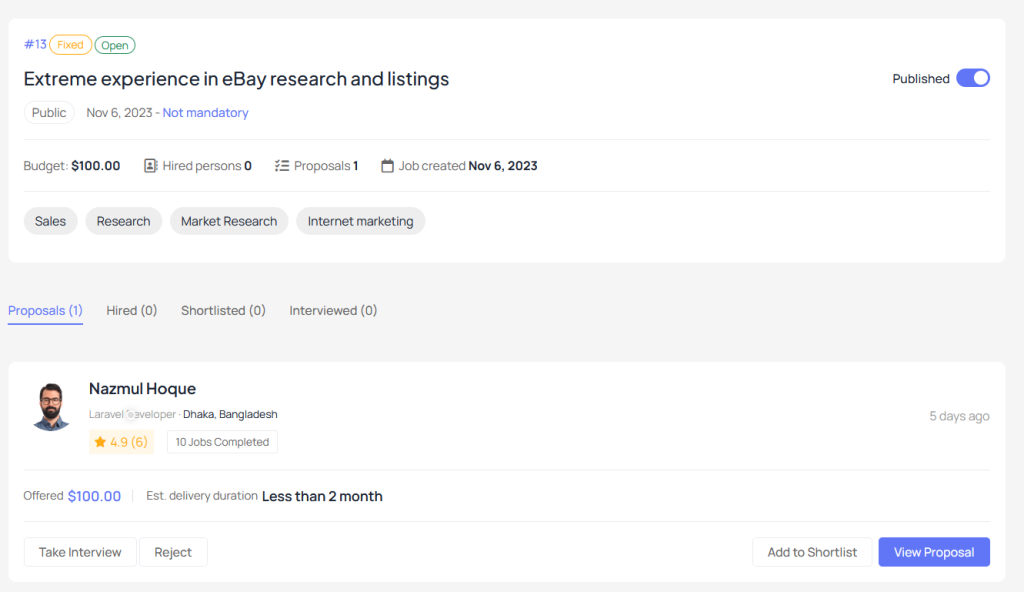
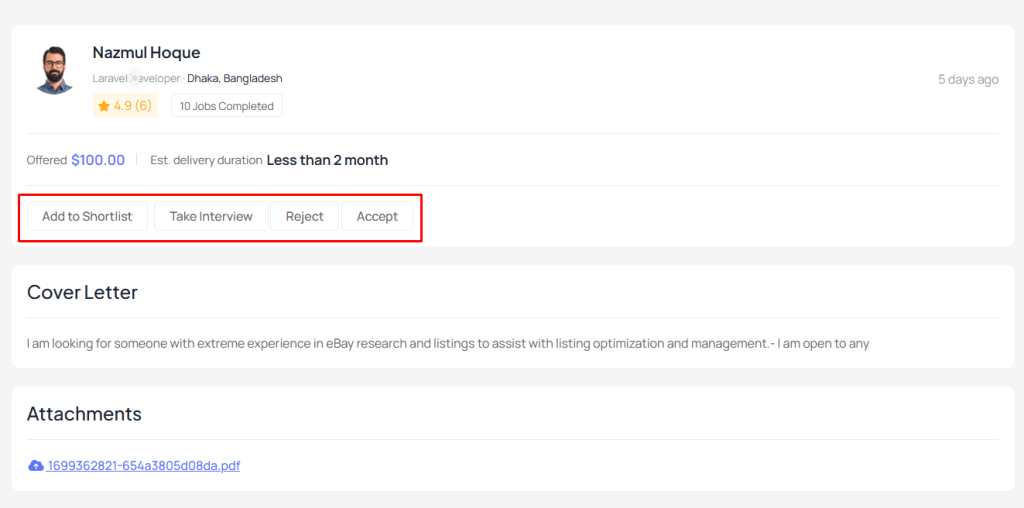
After posting a job freelancer will send proposals for that job. Client can shortlist, take interview, ask for custom order or create direct order to accept the proposals.
 Screenshot
 Screenshot
Can client report an order?
Yes, client can report an order after complete the order.
Can client cancel an order?
Yes, client can cancel an order before accept and complete the order.
Notice: Before create an order we encourage to contact the seller so that seller can not decline your order.
Order manage by freelancer
How freelancer accept the order ?
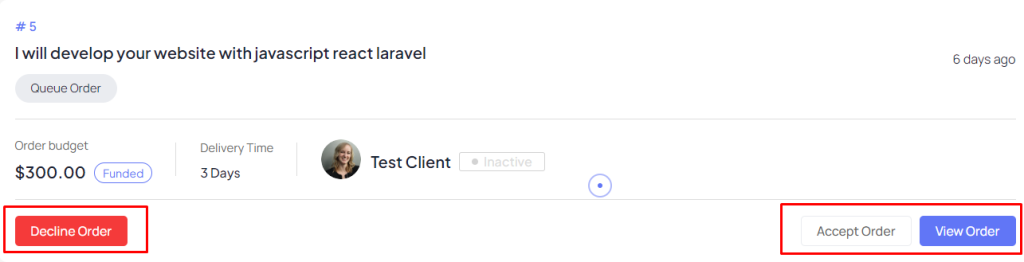
While client place an order you will get a order notification. Client can create direct order from your projects or can contact before an order. Client also pay you milestone wise if he want. However you must accept the order to start the project.
 Screenshot
How freelancer get order amount ?
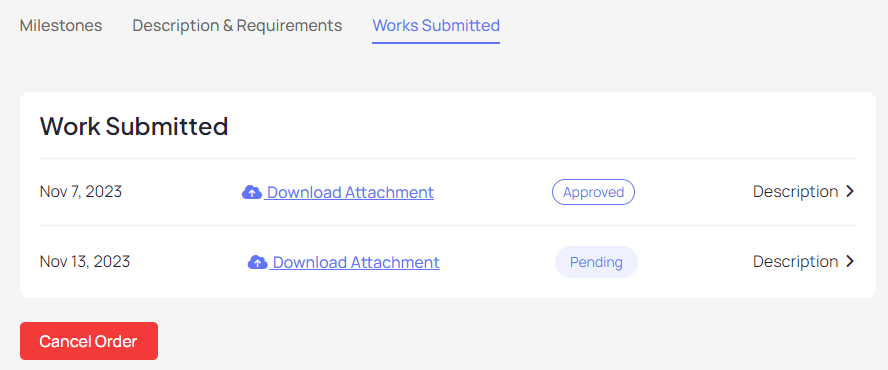
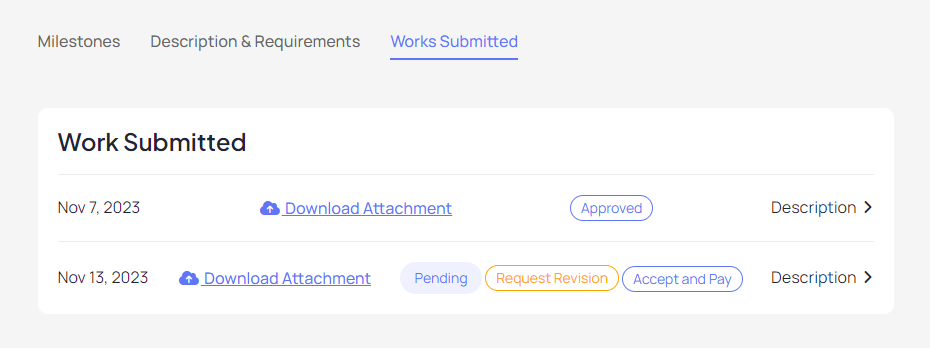
After complete the order freelancer must submit the order to client. Client will review the order. Here he/she can ask for further modification according to his revision limit or accept the order. Freelancer will get the order amount only client accept and complete order status complete.
 Screenshot
 Screenshot
How to get order from job?
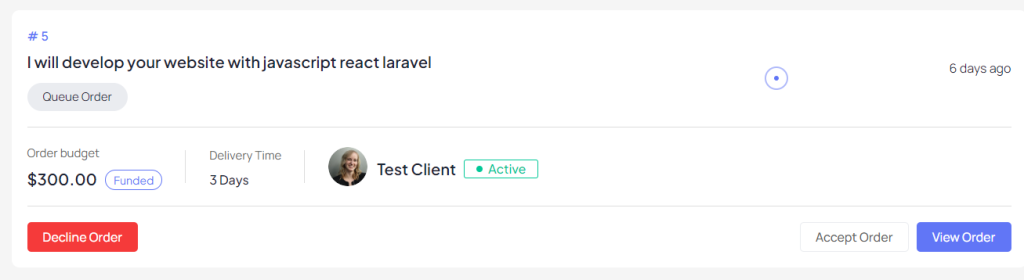
After posting a job freelancer will send proposals for that job. Client can shortlist, take interview, ask for custom order or create direct order to accept the proposals. Thus freelancer get order from jobs. You must accept order after client place an order.
 Screenshot
Can freelancer report an order?
Yes, freelancer can report an order after complete the order.
Can freelancer cancel an order?
Yes, freelancer can cancel an order before accept and complete the order.
How milestone system work?
Our milestone system is designed to ensure secure and structured payments for freelance projects and offers. Here's how it works:
-
Creating Milestones:When a client places an order for a project (e.g., $500), they can divide the total amount into milestones. For example, the client can set up three milestones: $100, $200, and $300.
-
Initial Payment for Security:At the time of placing the order, the client pays the full project amount upfront. This ensures security for both parties.
-
Activating the First Milestone:Once the freelancer accepts the order, the first milestone ($100 in this example) is automatically activated.
-
Submitting and Approving Milestones:
After the freelancer completes and submits the work for the first milestone, the client must review and approve it. Once approved, the payment for the completed milestone is released to the freelancer’s account.
- Activating Subsequent Milestones:After the first milestone is approved, the system automatically activates the next milestone ($200 in this example). This process continues until all milestones are completed and payments are released.
Is there any option to revise the milestone payment sent by freelancer or client and revert back with revised milestone.? Milestone payment only revise if it’s not accept. Suppose you have a order with 3 milestone and you are accepting only 2 milestone, in that case if the order is cancel by anyone 3rd milestone amount will be revert to client account.