

Refund Modules
Jump to: how customer can request for refund · How to add refund reason · Refund settings · Refund prepared settings · Refund request
how customer can request for refund
customer have option user panel to see all order then click on view details, in this view details page customer will get option to request for refund. customer will only see refund option if the order is complete.
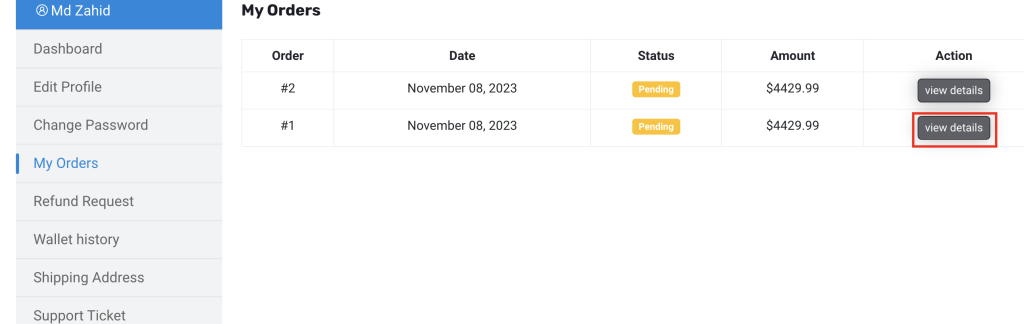 Screenshot
In Refund request page customer will find their all refund request list.
How to add refund reason
Go to admin panel Refund manage > Refund Reason
from here you can manage refund reason, once you add reason, customer can select those from their panel
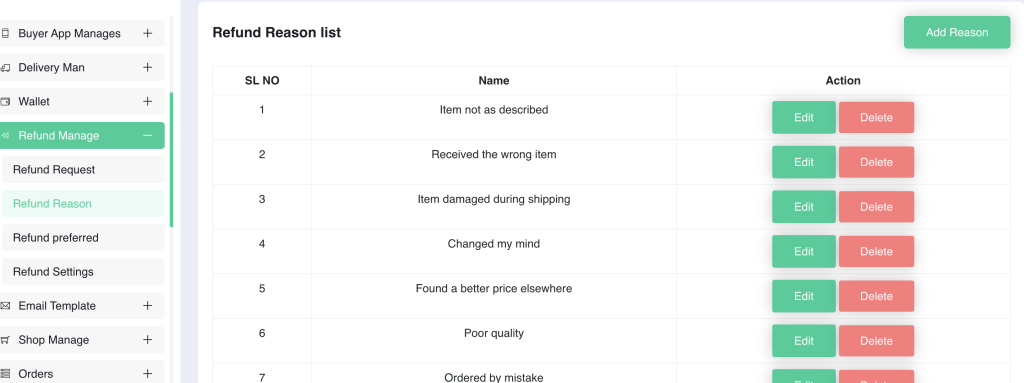 Screenshot
Refund settings
Go to admin panel Refund manage > Refund Settings
from here you can manage refund settings, courier address and can set how long customer can ask for refund.
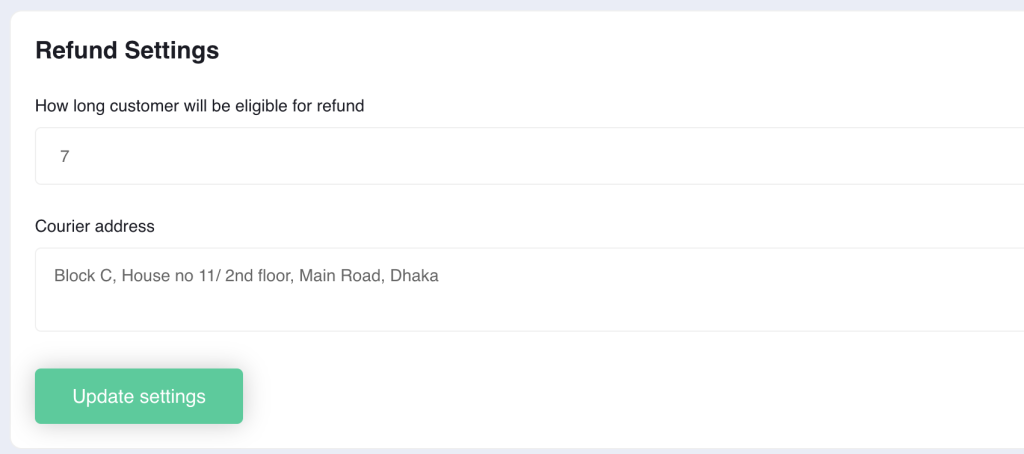 Screenshot
Refund prepared settings
Go to admin panel Refund manage > Refund Manage
from here you can manage refund request for any product.
 Screenshot
Refund request
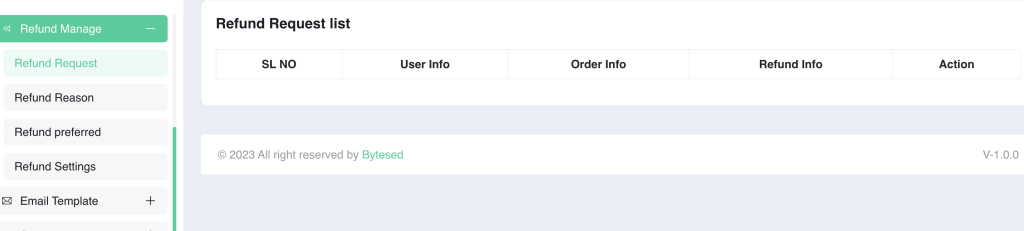
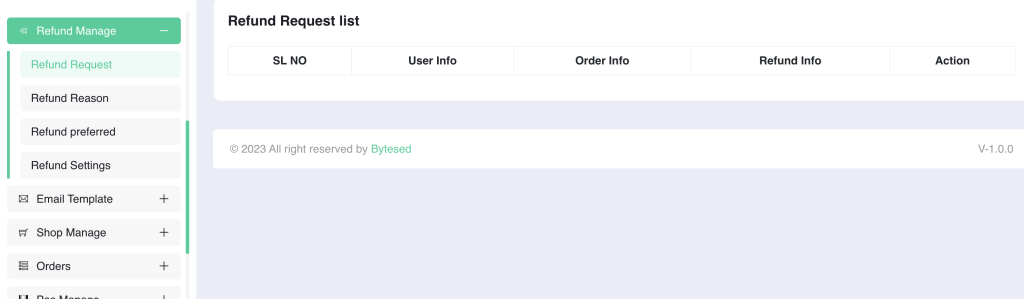
Go to admin panel Refund manage > Refund Request
from here you can manage refund all refund request created by customer.
 Screenshot