

This documentation includes a step-by-step instruction for installing the WhatsApp Booking System Plugin in your Qixer project.
Add New Plugin
To install a new plugin:
- To add new WhatsApp module, you have to unzip your downloaded module.
 Screenshot
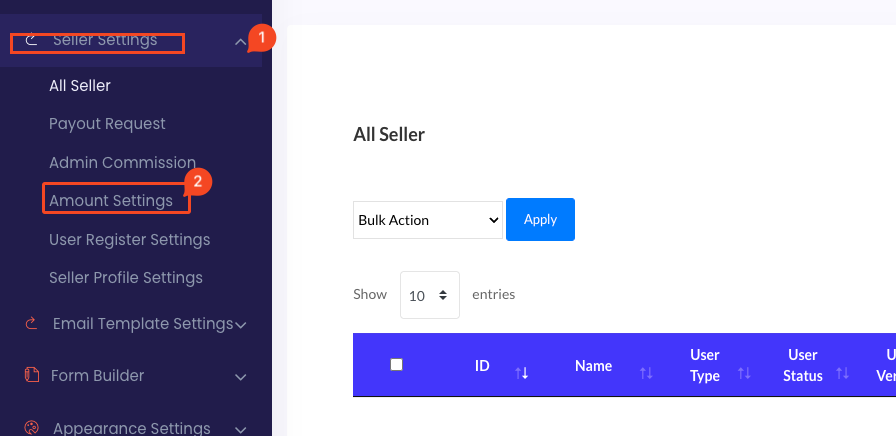
- Now go to your web app file manager @core>Modules unzip your module file here
 Screenshot
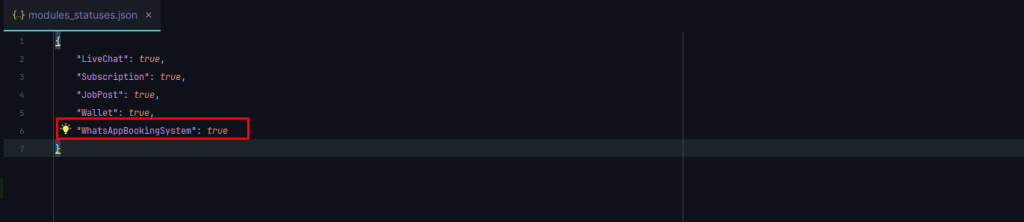
- no open @core>modules_statuses.json file
add below code in this file, “WhatsAppBookingSystem”: true
 Screenshot
Database Upgrade
Once the plugin is activated:
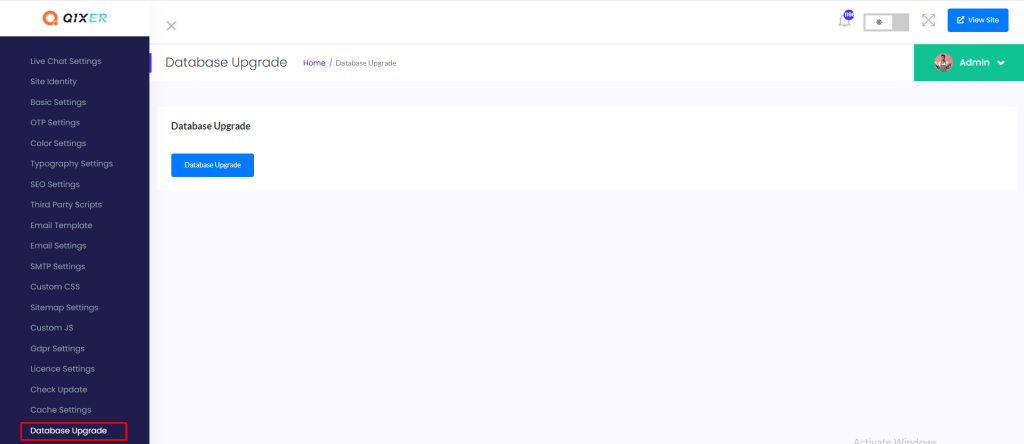
- Go to the Admin Panel->General Settings->Database Upgrade.
 Screenshot
- Click the “Database upgrade” button to execute the plugin's database migration.
 Screenshot
Still stuck?
Our support team is ready to help you get set up.