

goto admin panel -> general settings -> license settings click on license settings
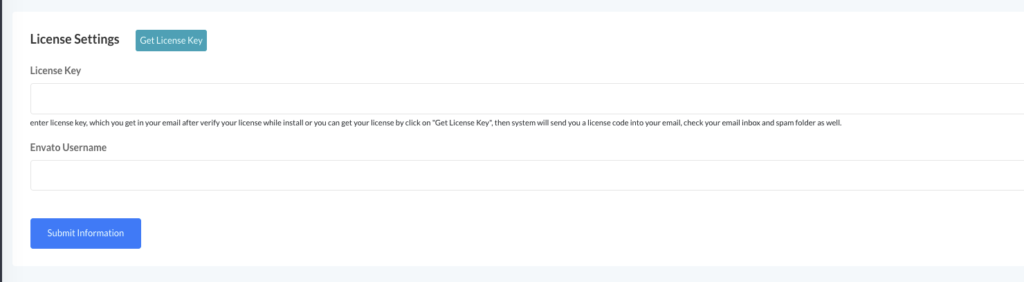 Screenshot
now click on get license key then enter your envato username, email and purchase code
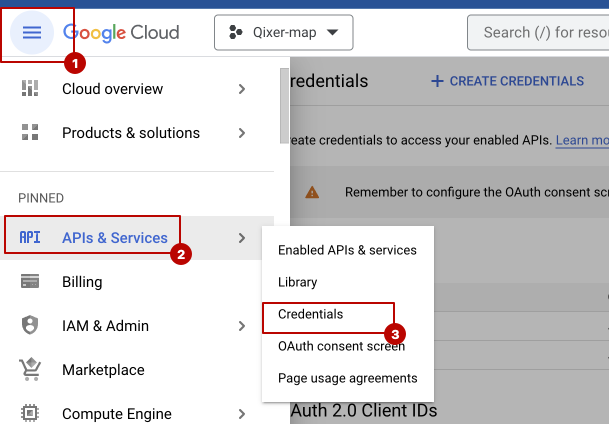 Screenshot
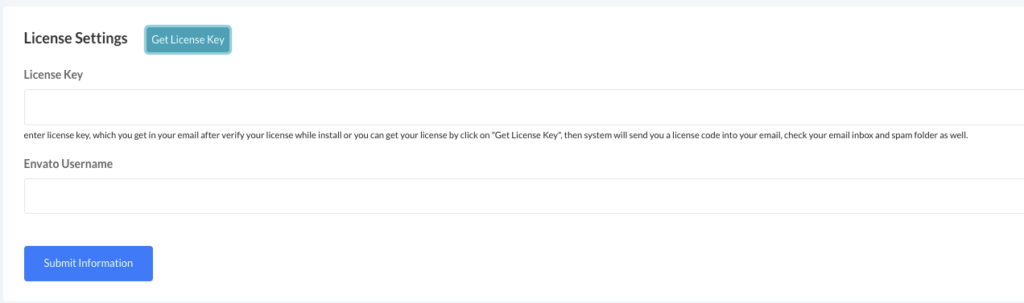
once you have inputed all the thing and hit submit you will get and email with a license key which is require to enable one click update..
now enter the license key and your envato username to enable one click update
 Screenshot
if you information is correct you will a message that your website is licensed
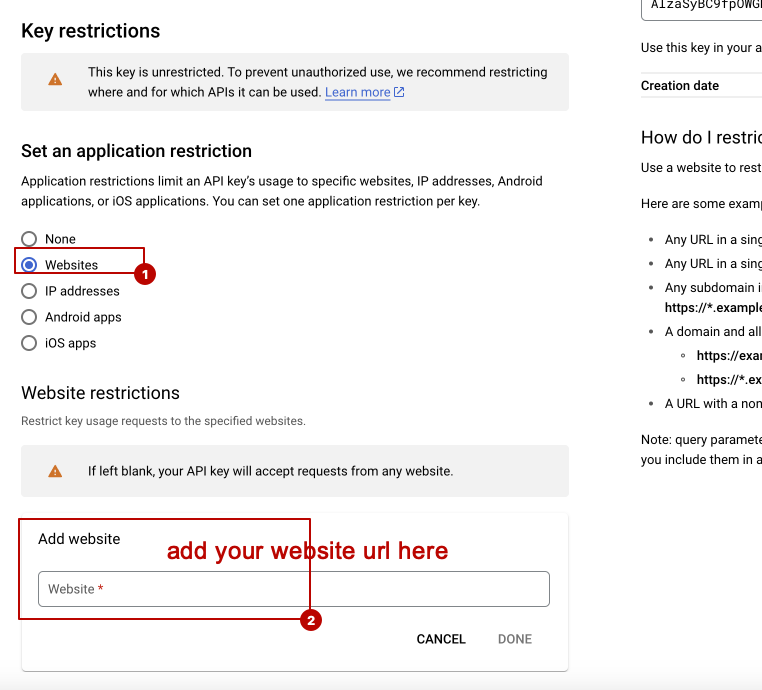
for update the script go to admin panel -> general settings -> check update
 Screenshot
click on this button to see there are any update available or not. if any update available you will see all info related to the new update. also you will get an button to update it automatically