

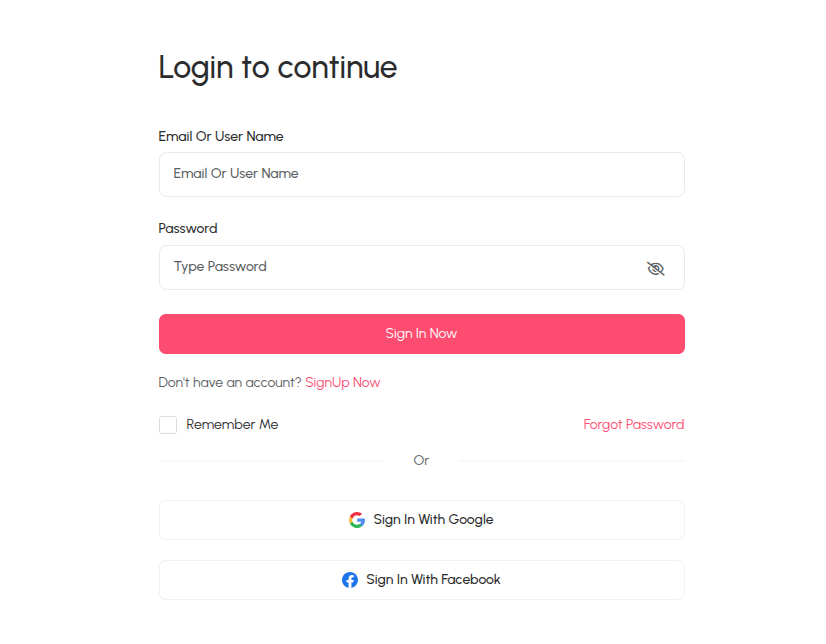
Step-1: Login as a client or brand
For create a campaign you must login as a client or brand first.
 Screenshot
Step-2: Create Campaign
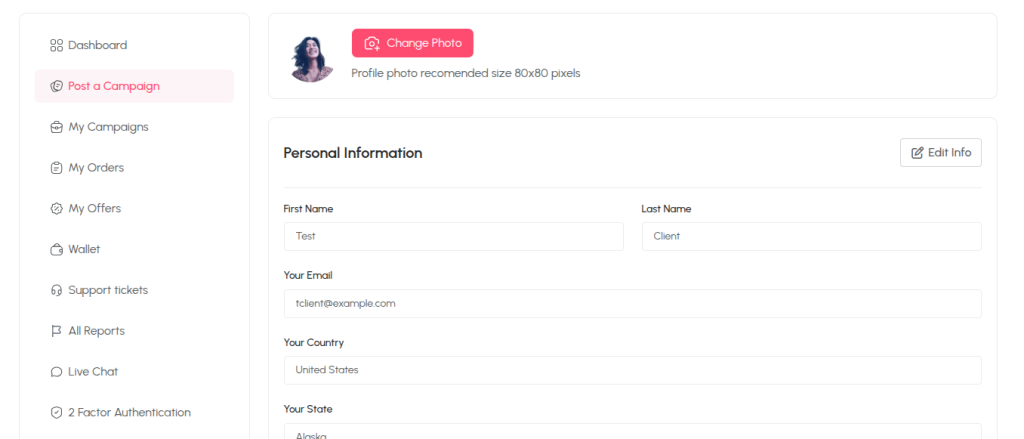
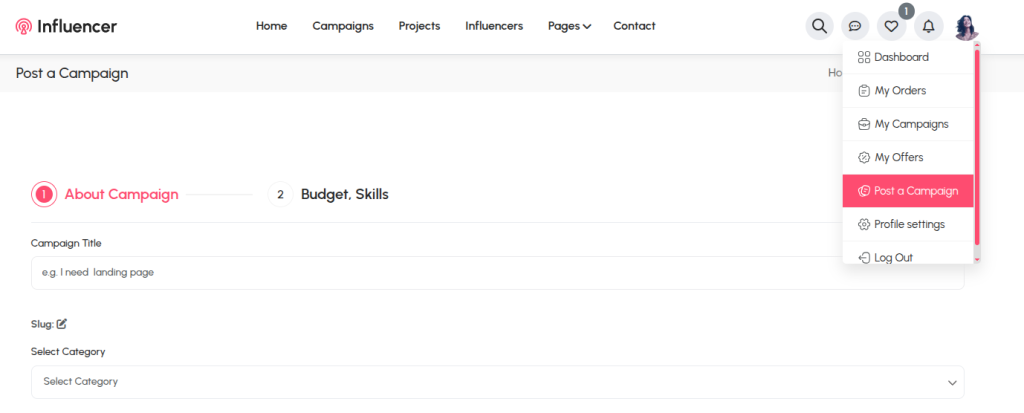
After login you will get two options to create a campain one is profile settings page and another one is from profile photo quick access. Follow the bellow images to create a campaign properly.
First way:
 Screenshot
Second way:
 Screenshot
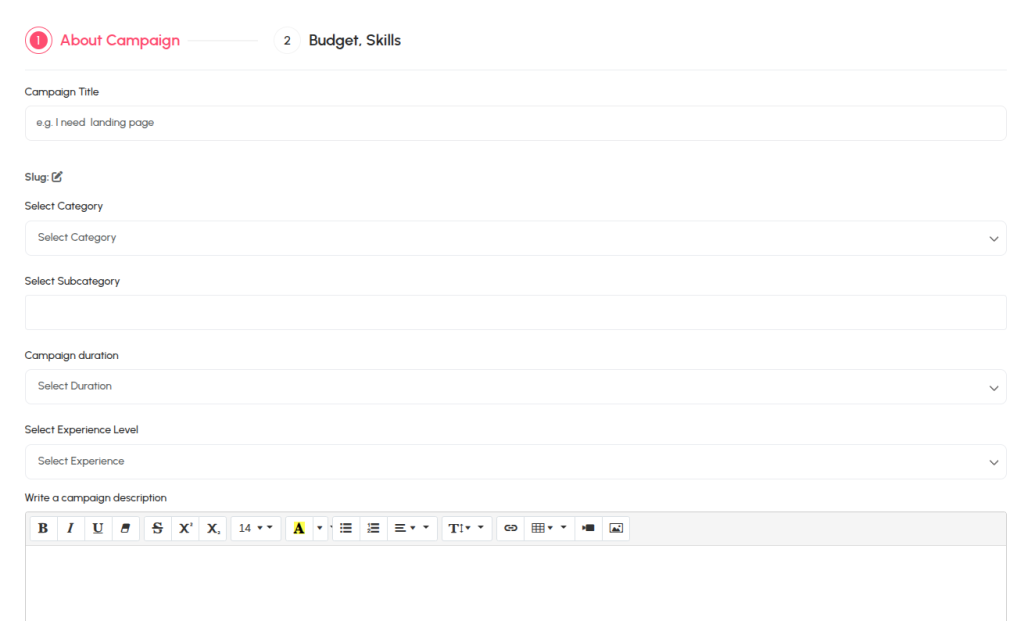
Input Job Data
You must complete each section to go next section otherwise get validation error.
 Screenshot
Still stuck?
Our support team is ready to help you get set up.