

Login to your admin panel, then go to “General Settings -> Navbar Global Variant” now select the navbar listed below.
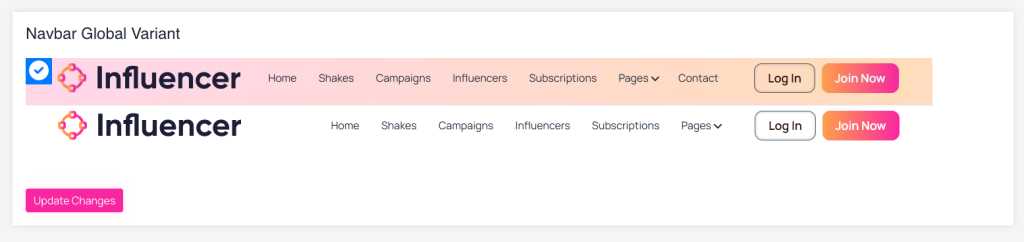 Screenshot
Still stuck?
Our support team is ready to help you get set up.
Login to your admin panel, then go to “General Settings -> Navbar Global Variant” now select the navbar listed below.
Screenshot