

All Orders Manage
Jump to: Order Settings · All Admin Orders · All Refunded Orders · Order Cancellation Policy
Order Settings
You can order settings manage easily go to ”All Orders Manage > Order Settings.”
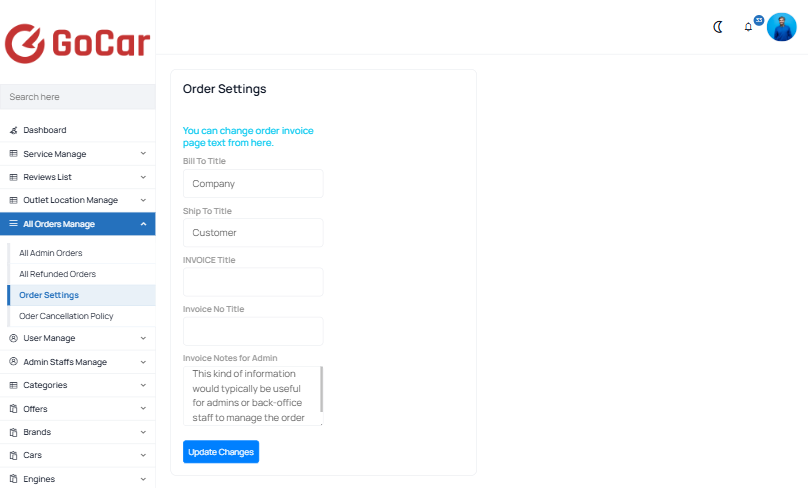 Screenshot
All Admin Orders
You can order manage easily go to ”All Orders Manage > All Admin Orders”
Admin orders
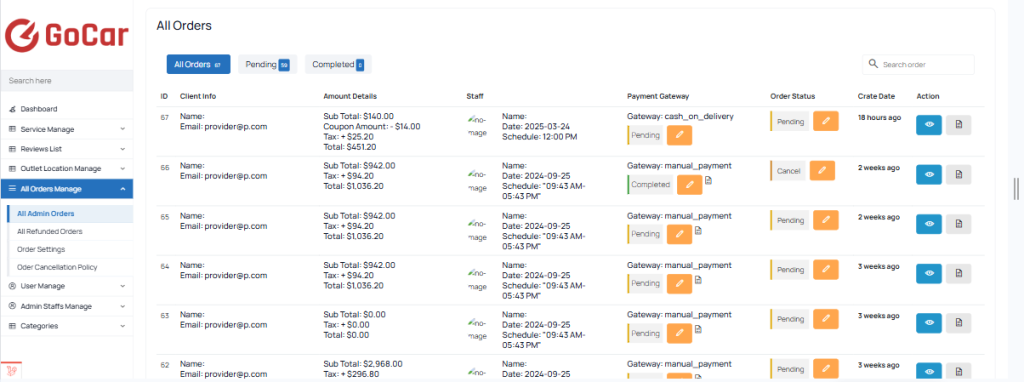 Screenshot
order details
On the order details page, you can assign staff to the order based on your preference.
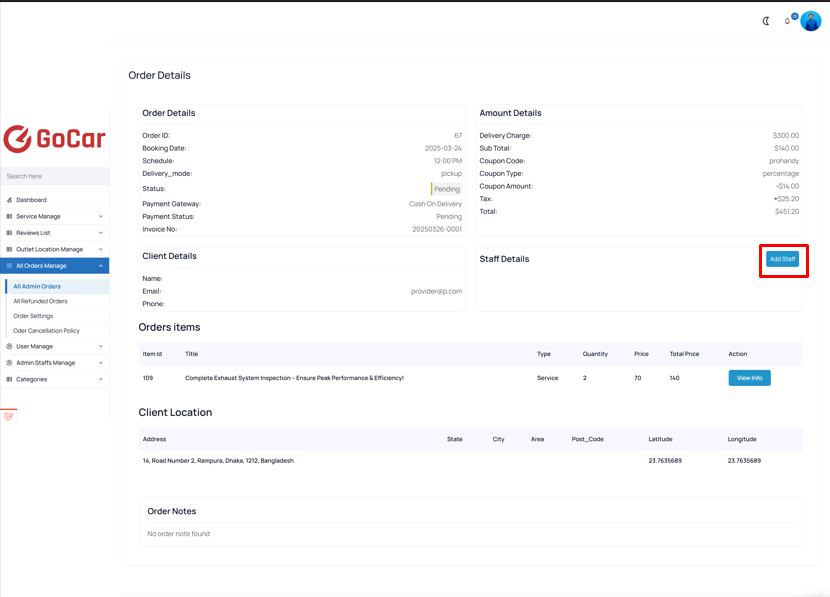 Screenshot
Order Payment Status Change
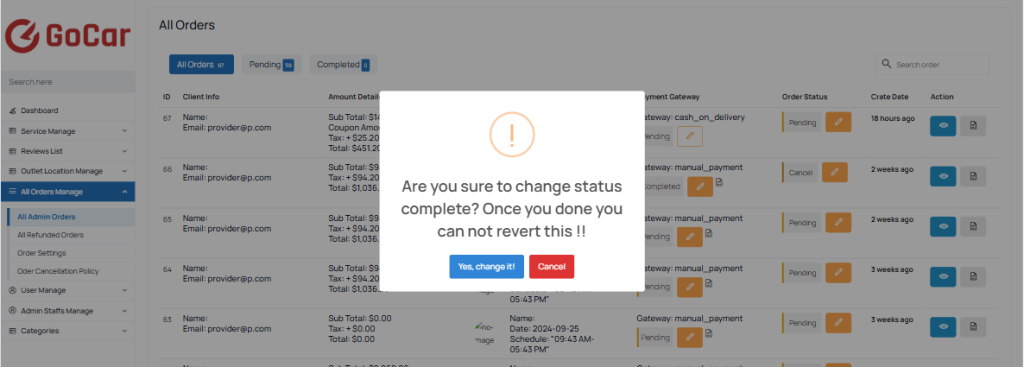 Screenshot
order invoice
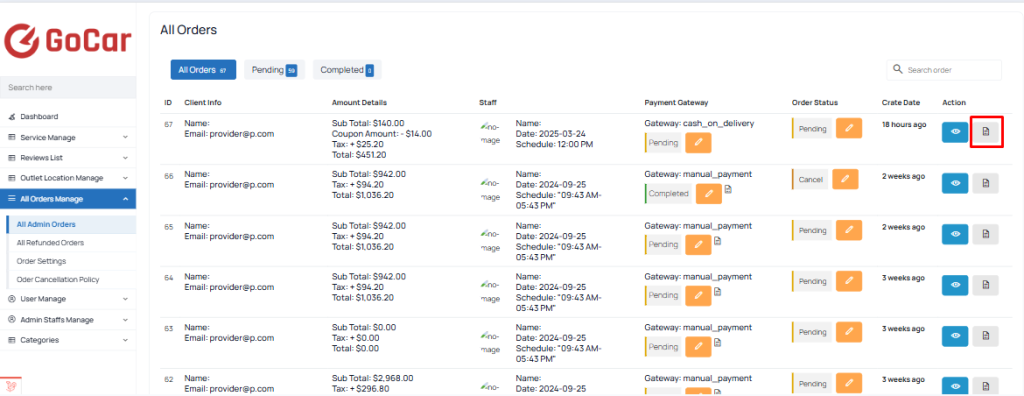 Screenshot
All Refunded Orders
You can order manage easily go to ”All Orders Manage > All Refunded Orders”
Refunded orders
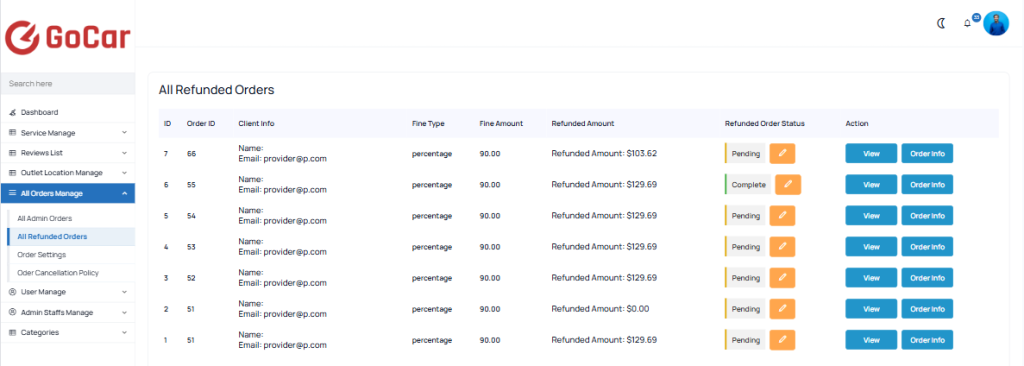 Screenshot
Refunded order details
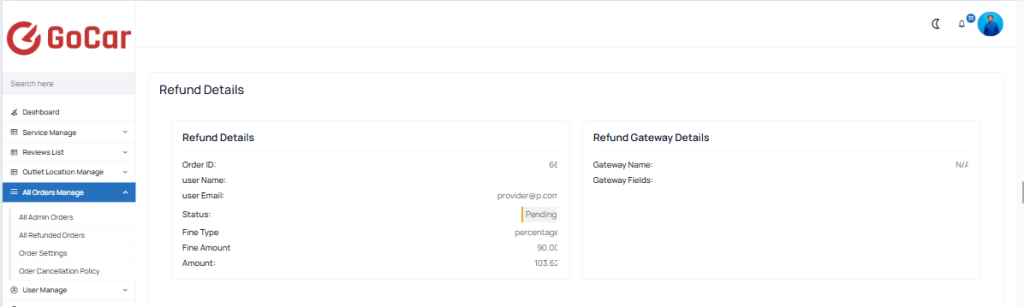 Screenshot
Refunded Order Status Change
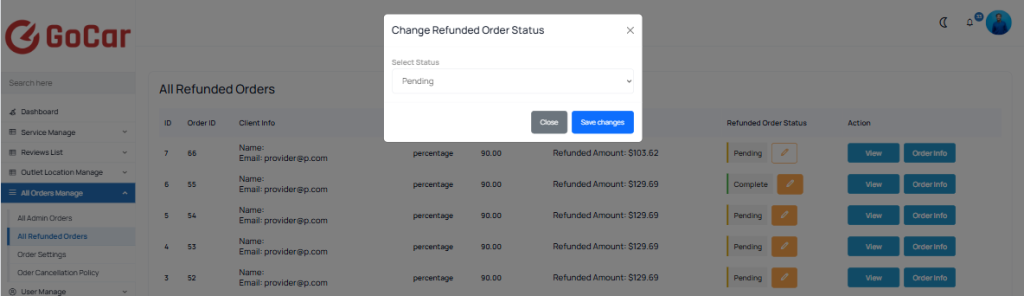 Screenshot
Order Cancellation Policy
You can order manage easily go to ”All Orders Manage > Order Cancellation Policy”
In the order cancellation policy, you can set the fine type, fine amount, whether orders can always be canceled, or specify a minimum time after which cancellation is not allowed. Additionally, you can provide a description explaining the reason for the fine.
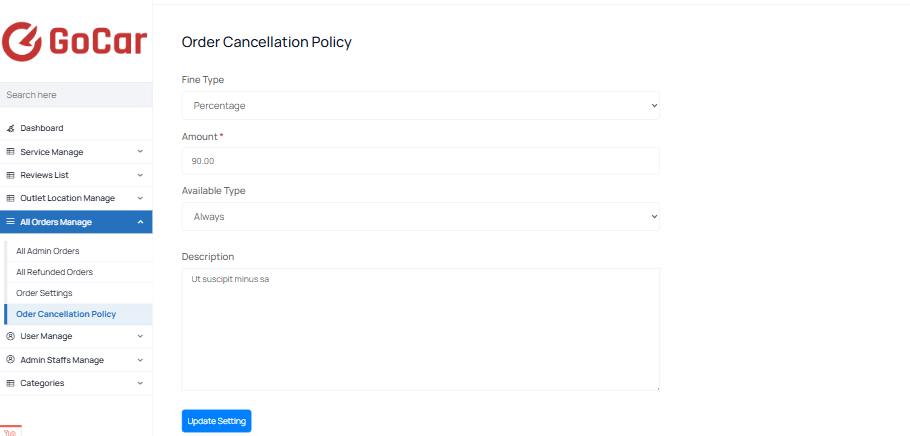 Screenshot