

Products Module
Jump to: Attributes · Inventory
Attributes
you can add attributes wise price for products, for that you have to add attributes first from “product module > attributes”, the process is you will add list of attribute in here then able to set price for that attribute from product create / edit .
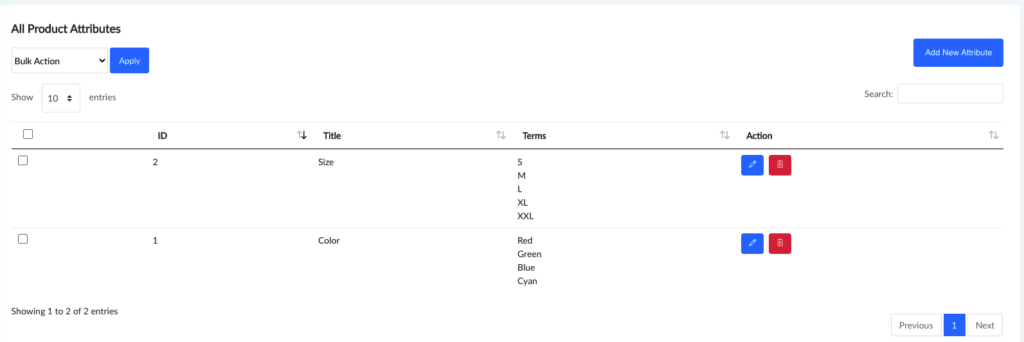 Screenshot
How to add new Attribute set
click on new attribute button, you will see below options
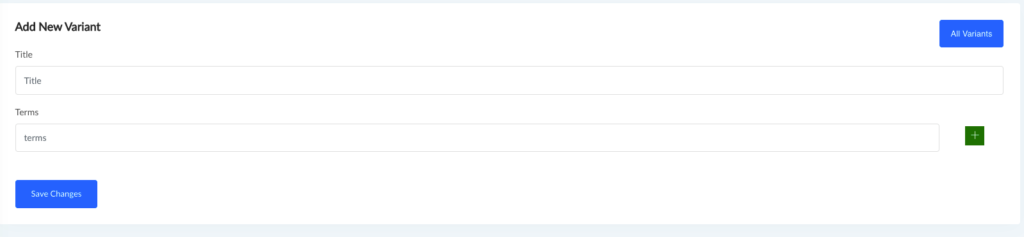 Screenshot
How to add Price With Product Variants
you will see an option to add attributes to products when ever you go to add new product or edit a product, it will be look like below, you have to select an attribute then it terms will be shown in a select option, you have to double click on any on those which one you want to add with this product
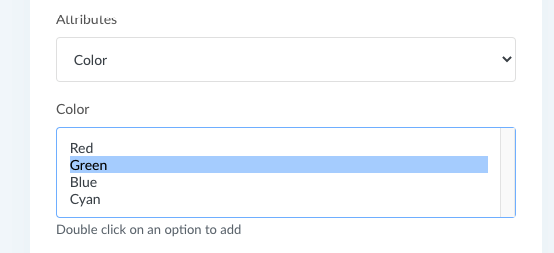 Screenshot
now you will see option to set price for this variant as like below
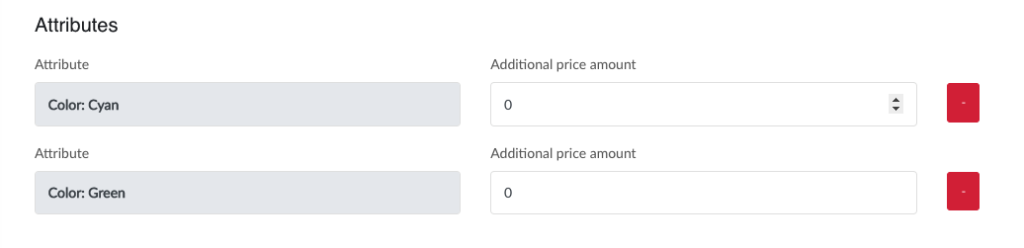 Screenshot
add attribute to products
Inventory
Zaika – Commerce platform comes with awesome inventory management system. To manage your product inventory go to admin panel “Products Module > Inventory”.
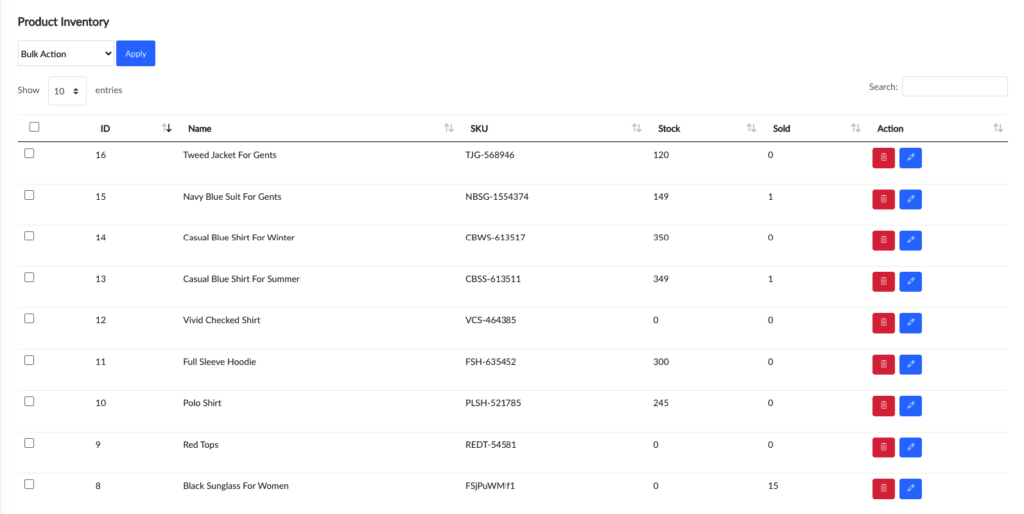 Screenshot
product inventory management
how to edit product inventory
click pencil icon from inventory list page, it will open a page as like below, edit info according to your need
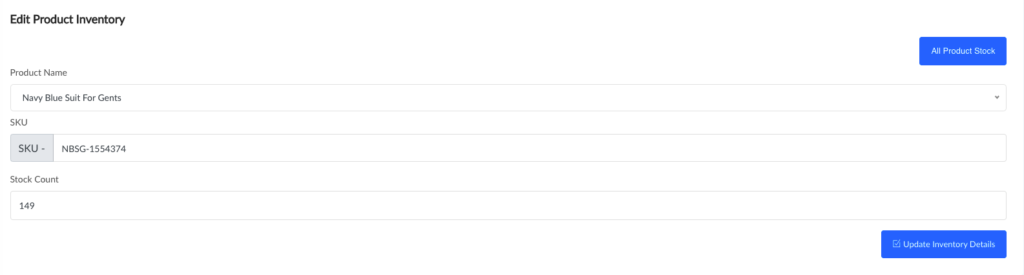 Screenshot
how to Add New product inventory
you can add product inventory when you have adding a new product. as like below screenshot,
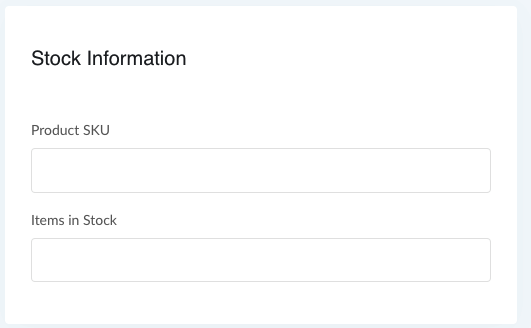 Screenshot