

Vendor can withdraw from vendor panel
for withdrawing amount from website vendor need to login into vendor panel then need to go to the wallet settings page
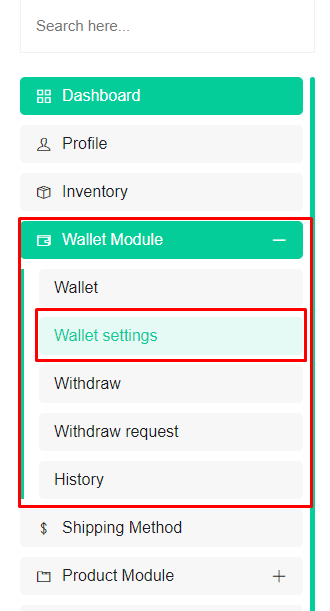 Screenshot
You can search it on your search box
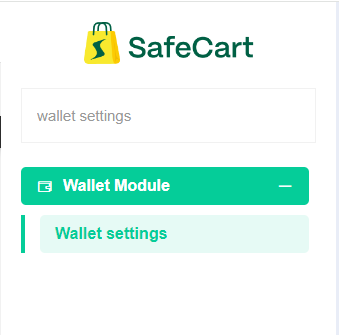 Screenshot
You will find this page from this page you can setup your default payment option
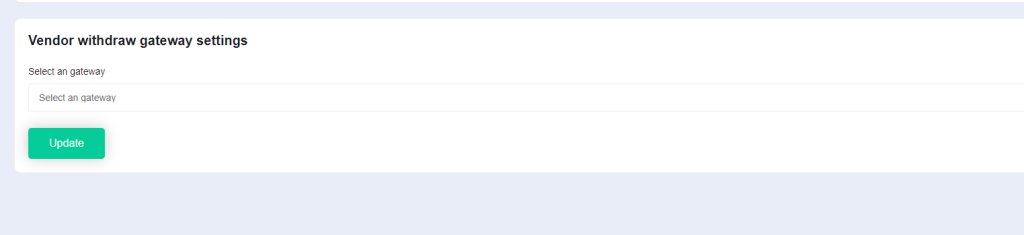 Screenshot
Vendor need to select his/her wanted gateway first among those are available on this box
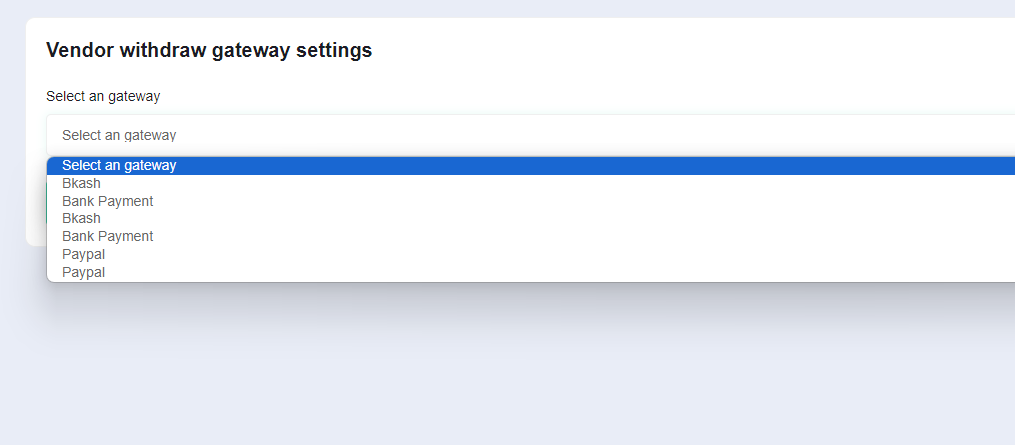 Screenshot
Once vendor select any of them vendor might see some more field those are set by admin fill those field and then click on update button
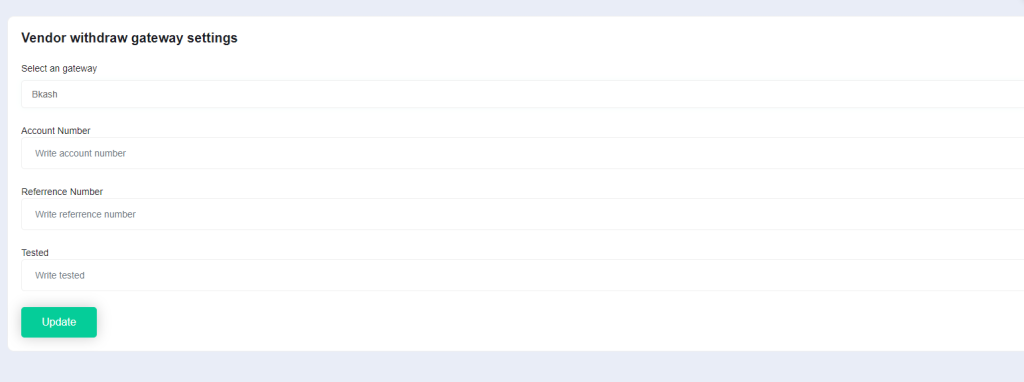 Screenshot
if vendor provide all data currectly then vendor will see a success message after clicking update button
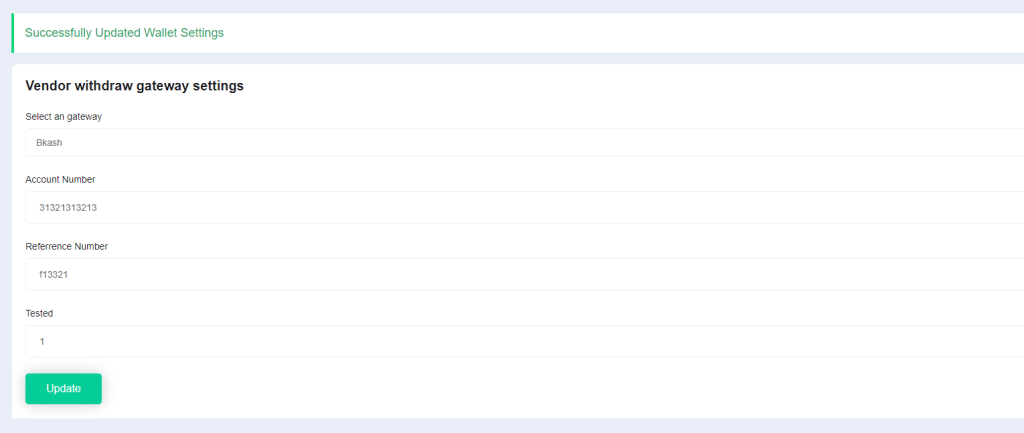 Screenshot
Now we're ready for send withdraw request to admin
Now we need to go withdraw page from wallet section
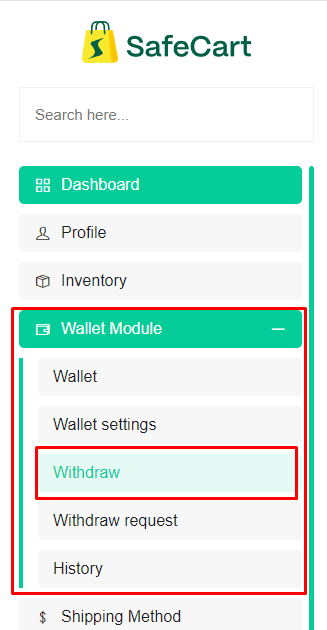 Screenshot
If you could not find this then you can also search it by using our awesome search box
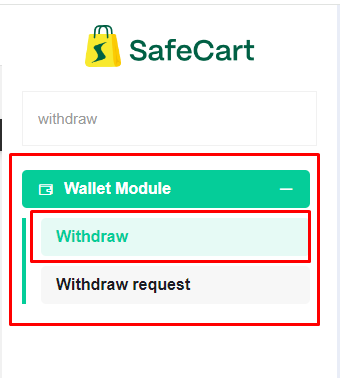 Screenshot
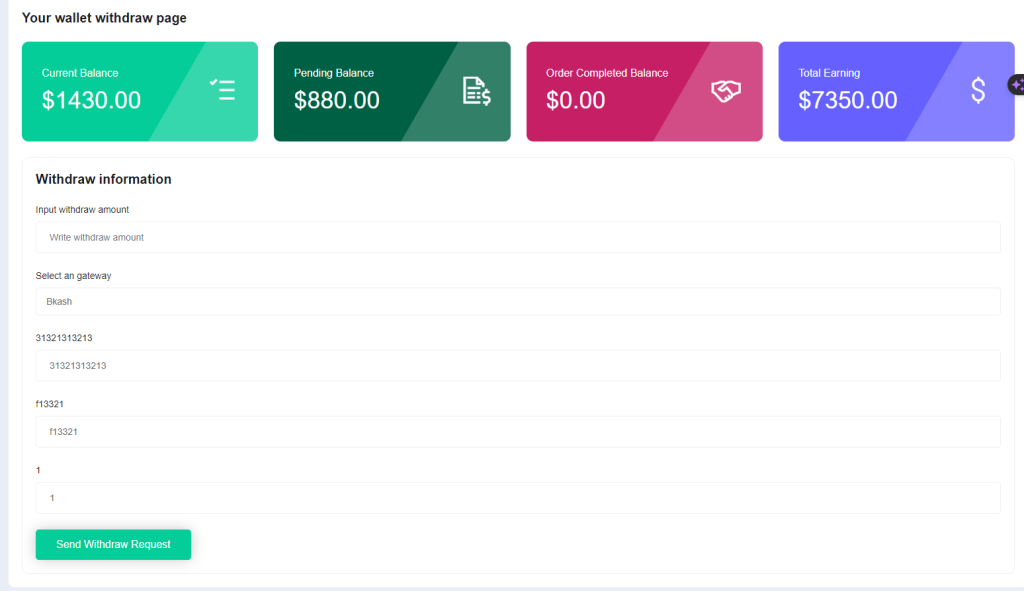
Then you'll find this page
 Screenshot
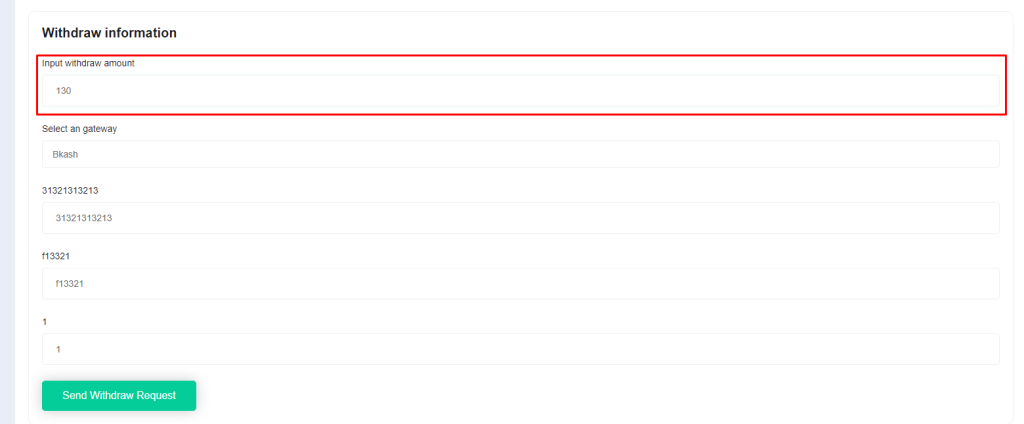
and you will see everything is configured now you can set withdraw amount in this field
 Screenshot
Then if everything is okay then click on withdraw request button
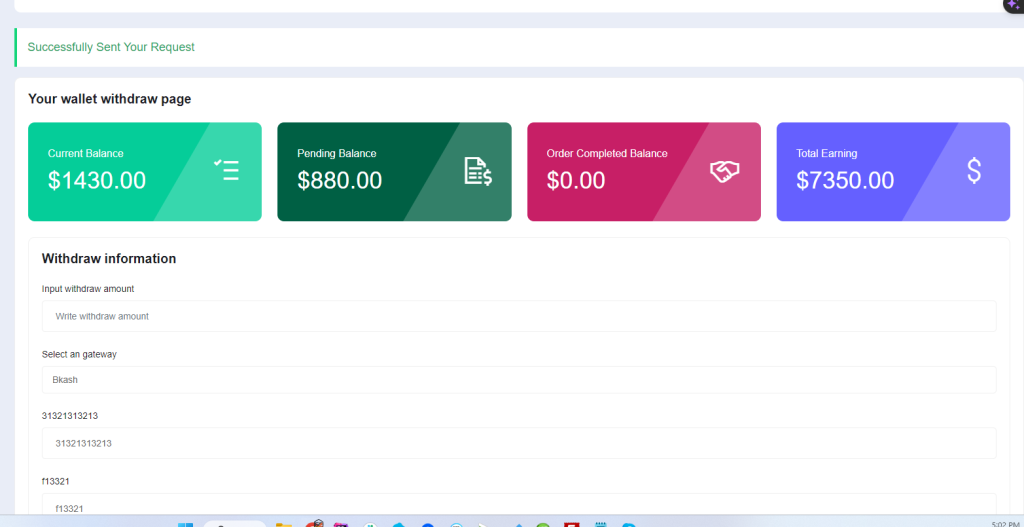
If everything is okay and currect then you will get success message
 Screenshot
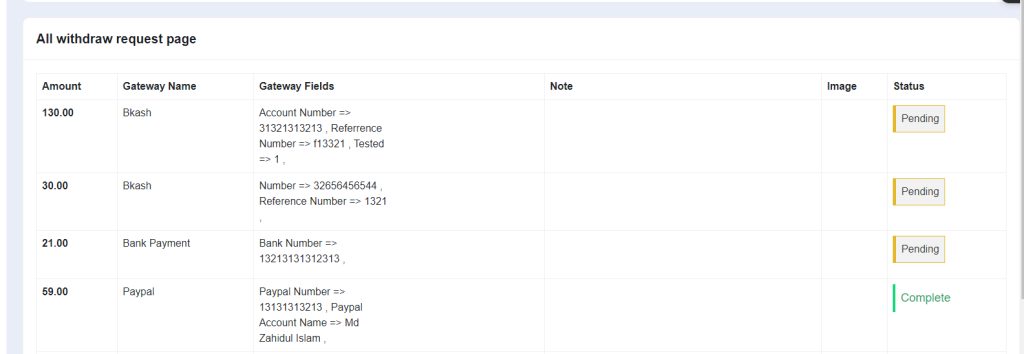
Vendor can see this request on withdraw request page inside wallet section if you not find this then search on the search box with this text withdraw request
Here vendor can see all withdraw request that vendor are created
Vendor can see status note image everything from this page if admin change status that also vendor can see
 Screenshot