

Note
“This Article is valid for LiveChat Addon , Subscription Addon and Job Post Addon”
Step 01: To add new you module you have unzip your downloaded module
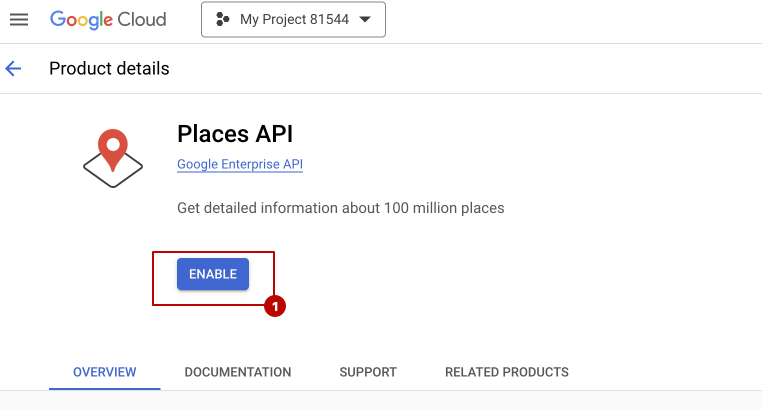 Screenshot
Step 02: now go to your web app file manager @core>Modules unzip your module file here
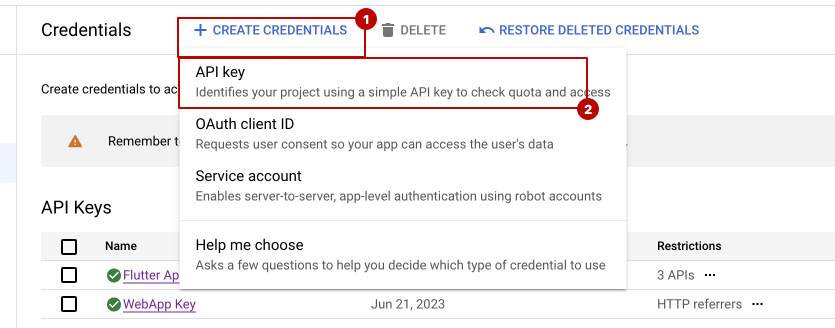 Screenshot
Step 03: no open @core>modules_statuses.json file
add or replace below code in this file, if you have only Subscription Addon, then make LiveChat: false, or if you have only LiveChat addon then make Subscription: false
{
"LiveChat": true,
"Subscription": true,
"JobPost": true,
"Wallet": true
}
now go your website and reload it, your module should work fine now.
Still stuck?
Our support team is ready to help you get set up.