

Basic Settings
Jump to: Site Identity · Check Update · Database Upgrade · Licence Settings · cache settings · Basic Settings
Site Identity
you can change your website logo you have to go to “General settings > site identity”.
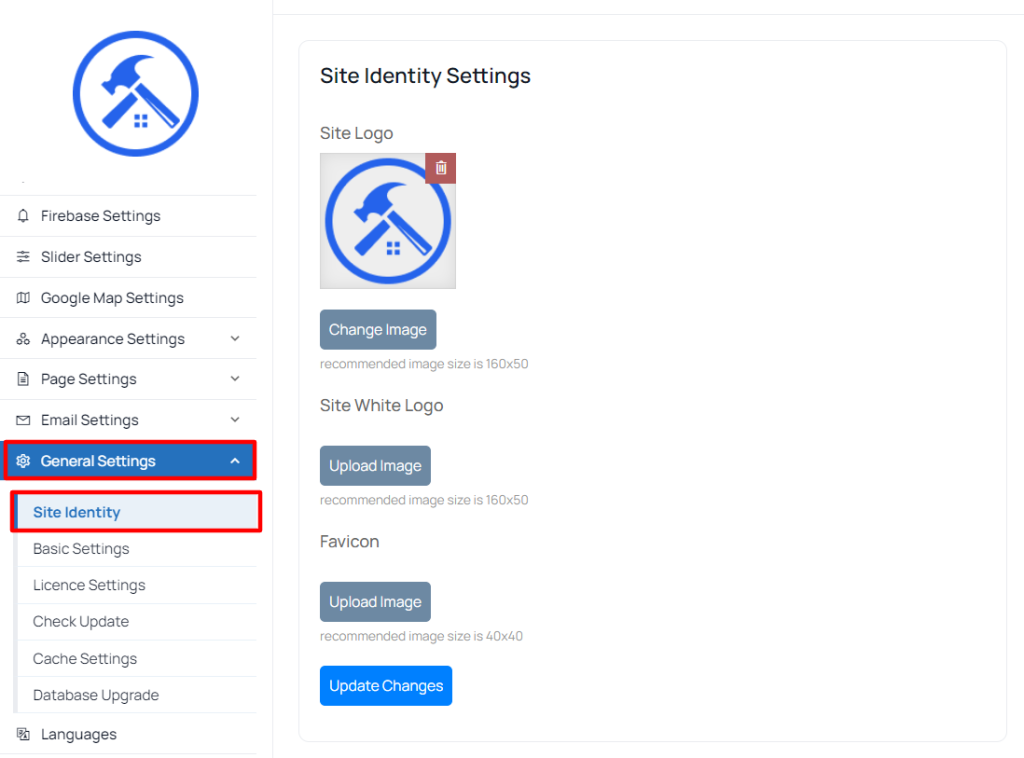 Screenshot
-
Site Logo: upload your own logo for the website
-
Favicon: upload your website favicon
Check Update
this settings use your site check Update .“General settings >Check Update”
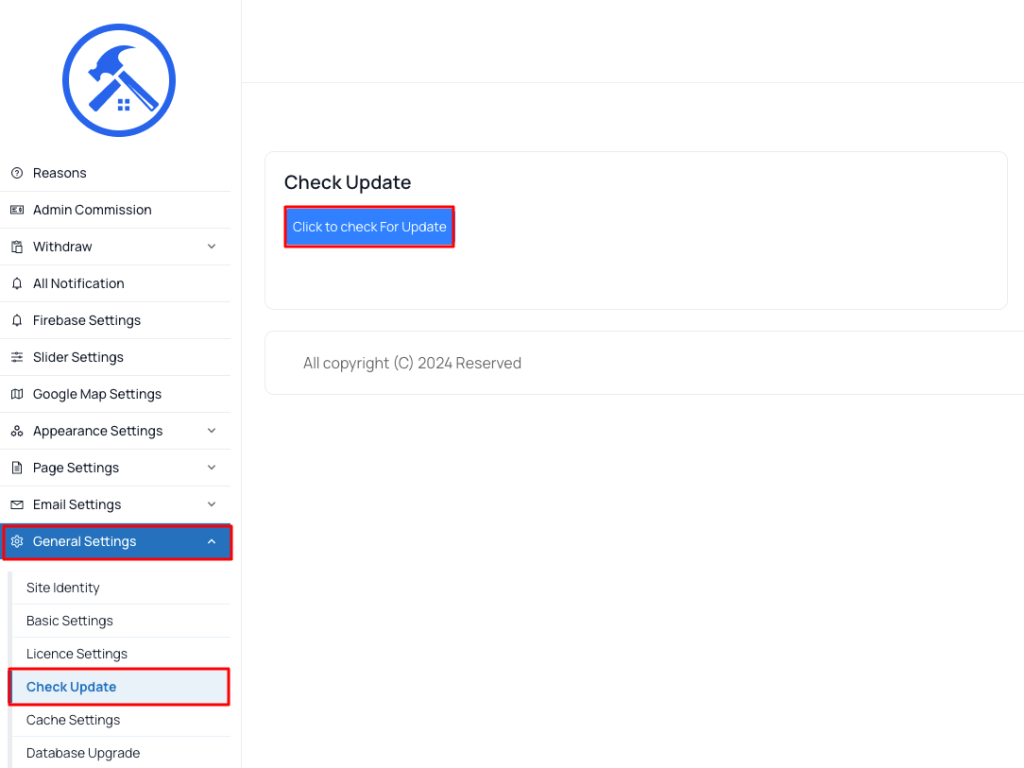 Screenshot
Database Upgrade
this settings use your site Database Upgrade.”. “General settings >Database Upgrade”
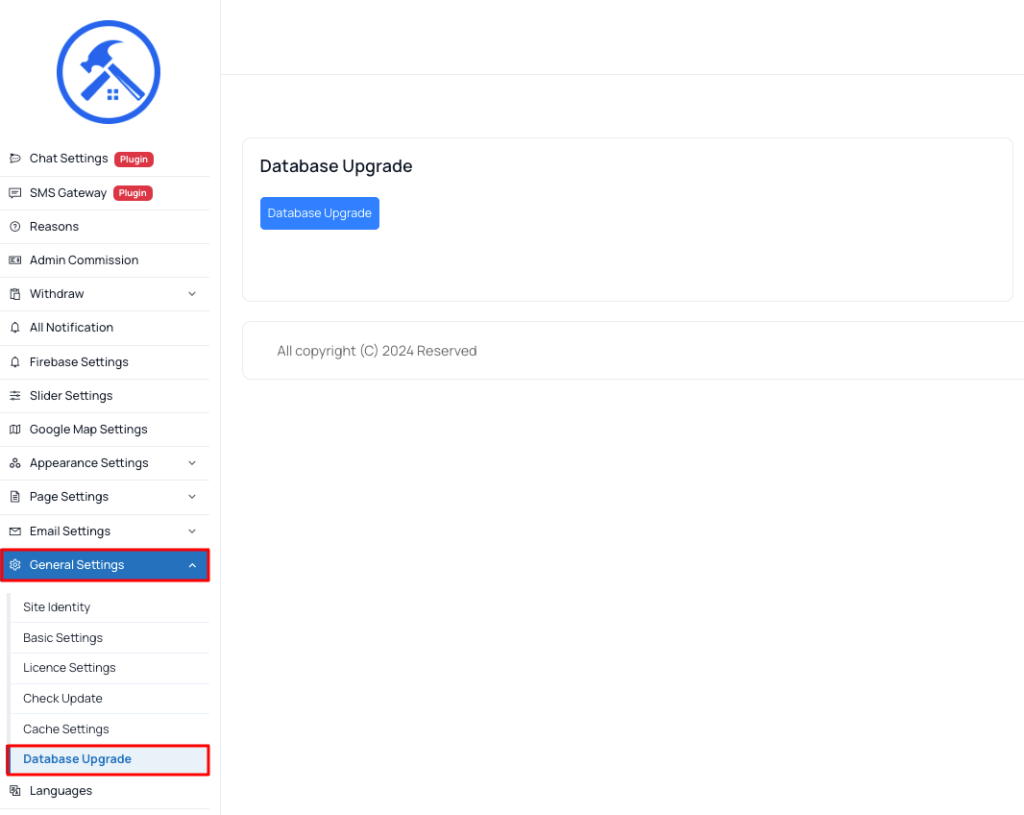 Screenshot
Licence Settings
this settings use your site check licence .“General settings > Licence Settings”
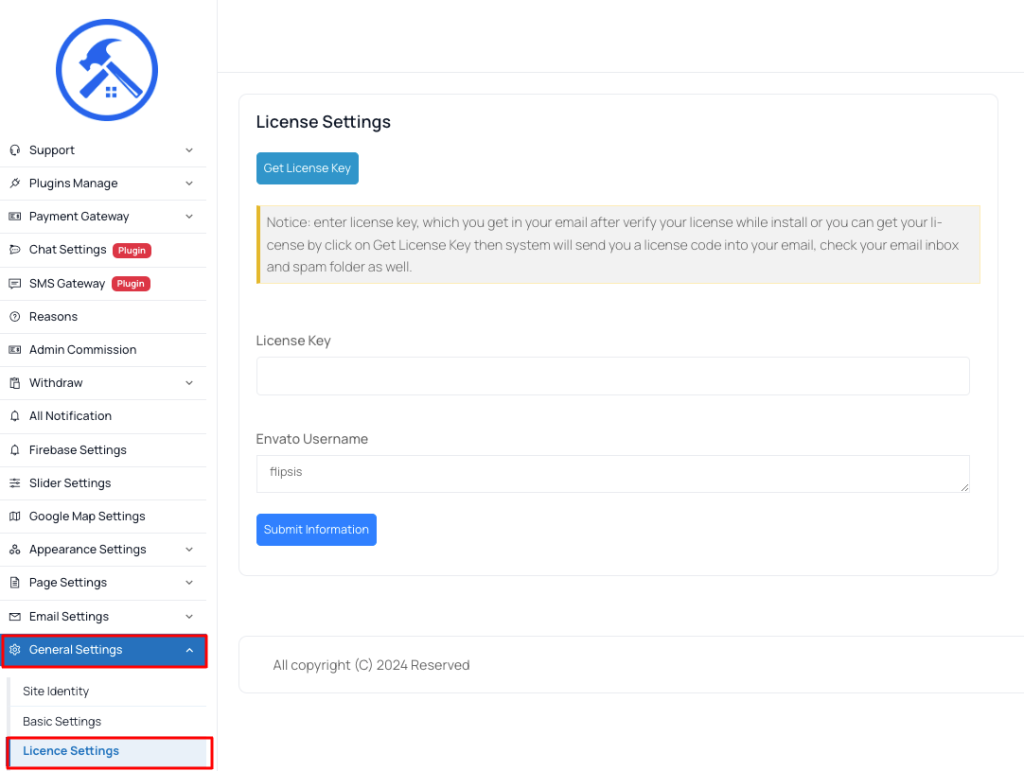 Screenshot
cache settings
sometime you need to clear your system cache, this cms comes with option to do it from admin panel. go to “General Settings > Cache Settings” .
cache settings
-
Clear View Cache: this will clear all of cache view.
-
Clear Route Cache: this will clear all of route cache of Laravel framework.
-
Clear Configure Cache: this will clear all of configure cache of Laravel framework
-
Clear Cache: this will clear all kind of cache in the Laravel framework
Basic Settings
you can change your website logo you have to go to “General settings > Basic Settings”.
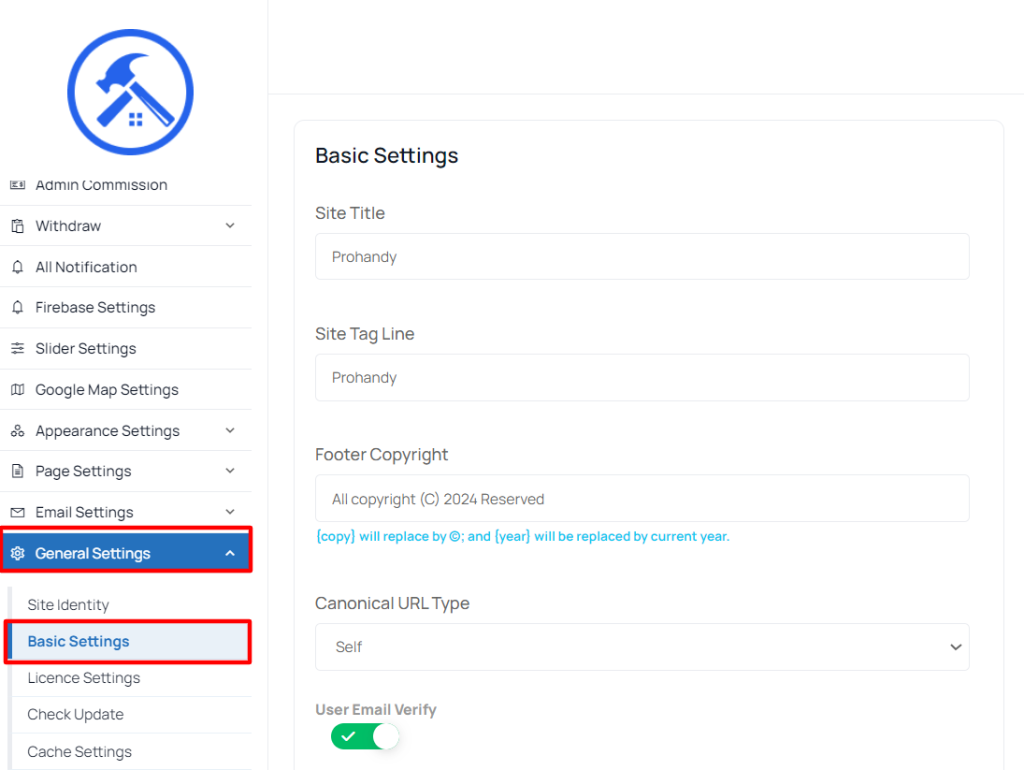 Screenshot
-
Site Title: enter your website title, it very important for your website seo
-
Site Tag Line: enter your tag line
-
Footer Copyright: footer copyright text, Will replace by © and will be replaced by current year.
-
Dark Mode For Admin Dashboard: your can enable/disable admin panel dark mode
-
Disable User Email Verify: you can enable/disable user email verification.