

To add a feedback influencer must login and go to Profile Settings from the left menu. There he will get an option for feedback.
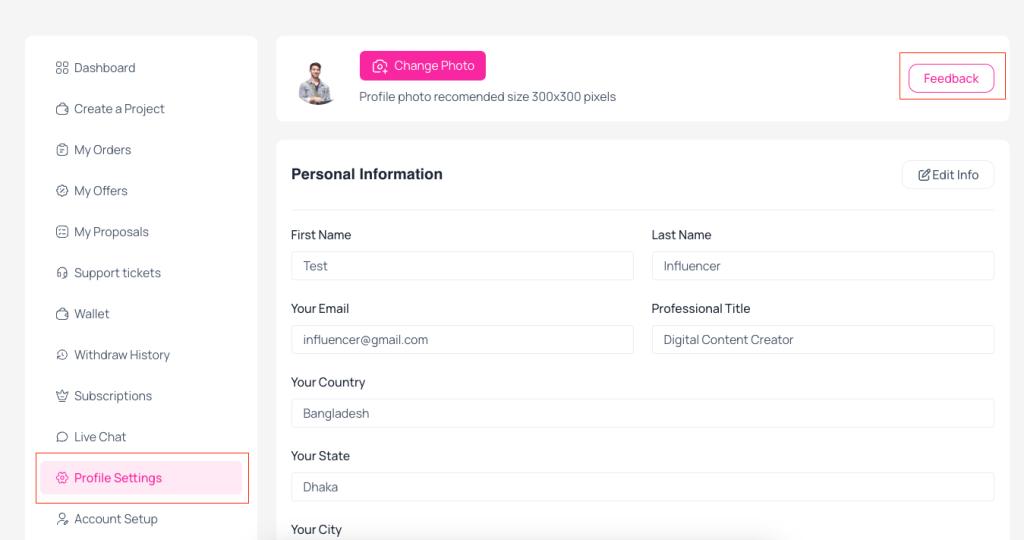 Screenshot
When the influencer click on Feedback button a popup modal will open and influencer can submit feedback.
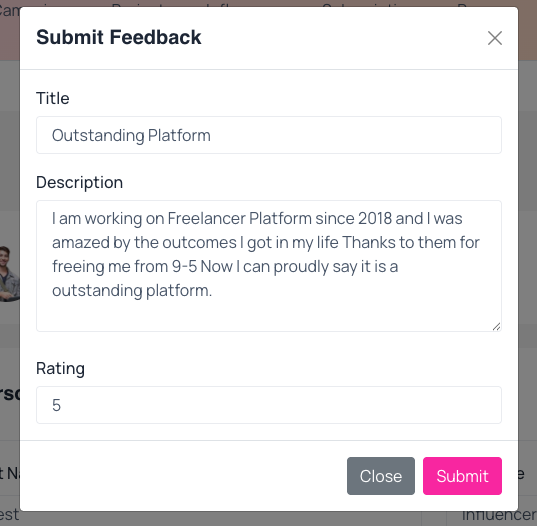 Screenshot
Still stuck?
Our support team is ready to help you get set up.